Step 1: Browse ESL Lesson Plans
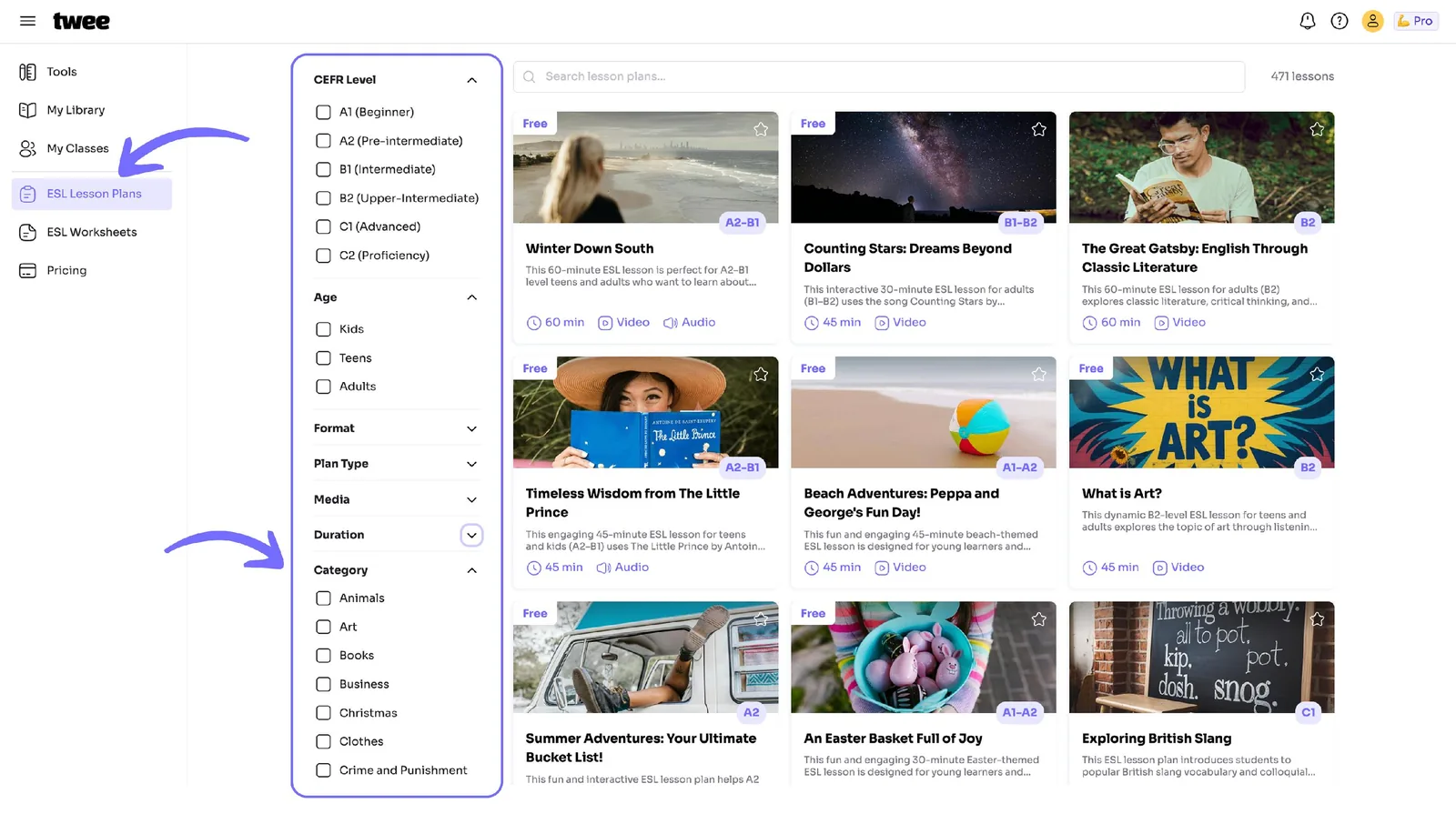
If you’re looking for lesson plans, topical exercises, or just some inspiration, go to ESL Lesson Plans in the left sidebar. Here, you’ll find over 400 ready-made lesson plans for different levels and age groups.
All lesson plans are aligned with the CEFR and organized by various criteria (CEFR level, age, format, type — Free or Pro, duration, media, and category) for easy navigation.
Step 2: Preview a lesson
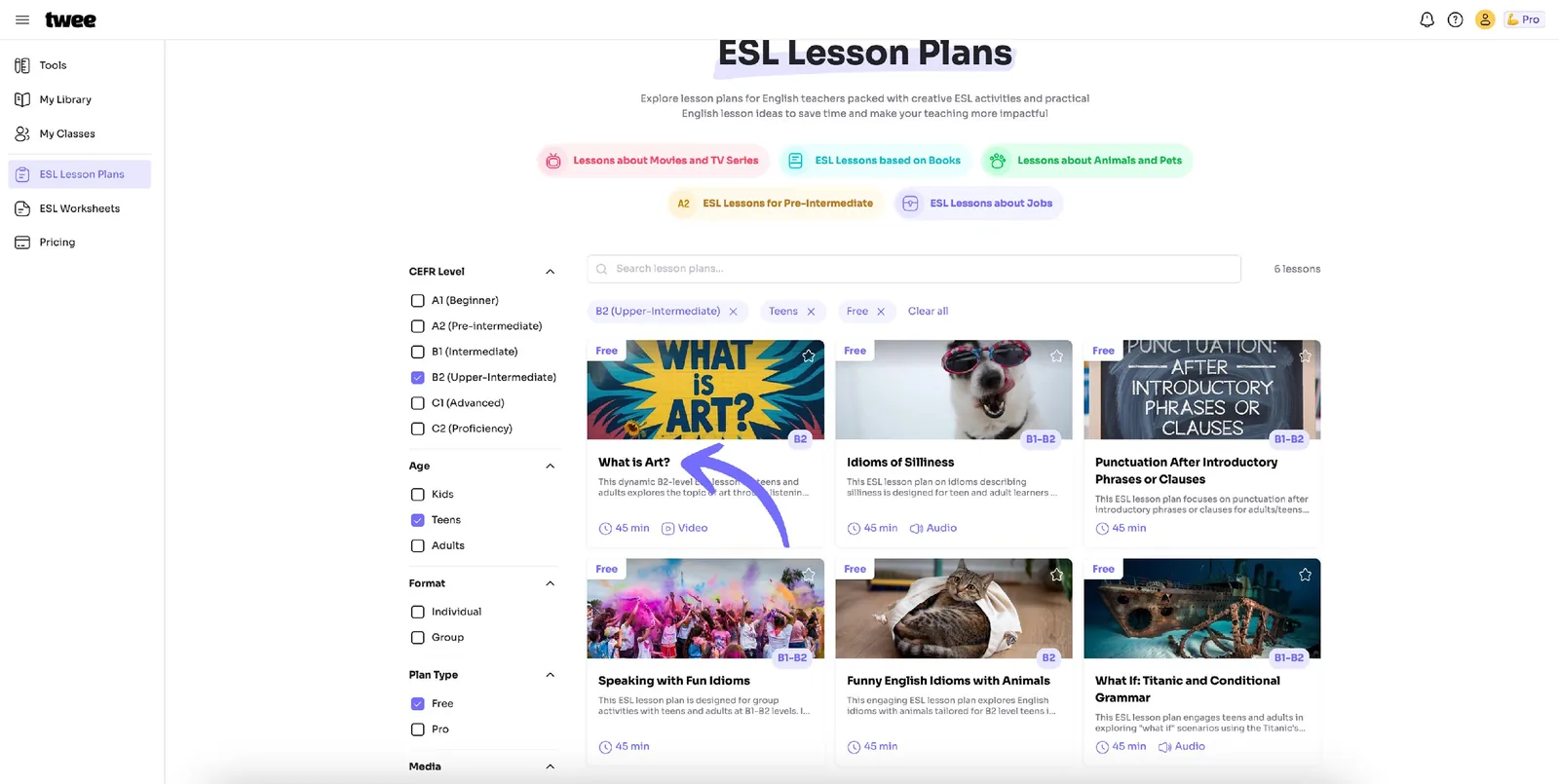
Once you find a lesson you're interested in, click on it to preview.
Step 3: Copy it to your Library
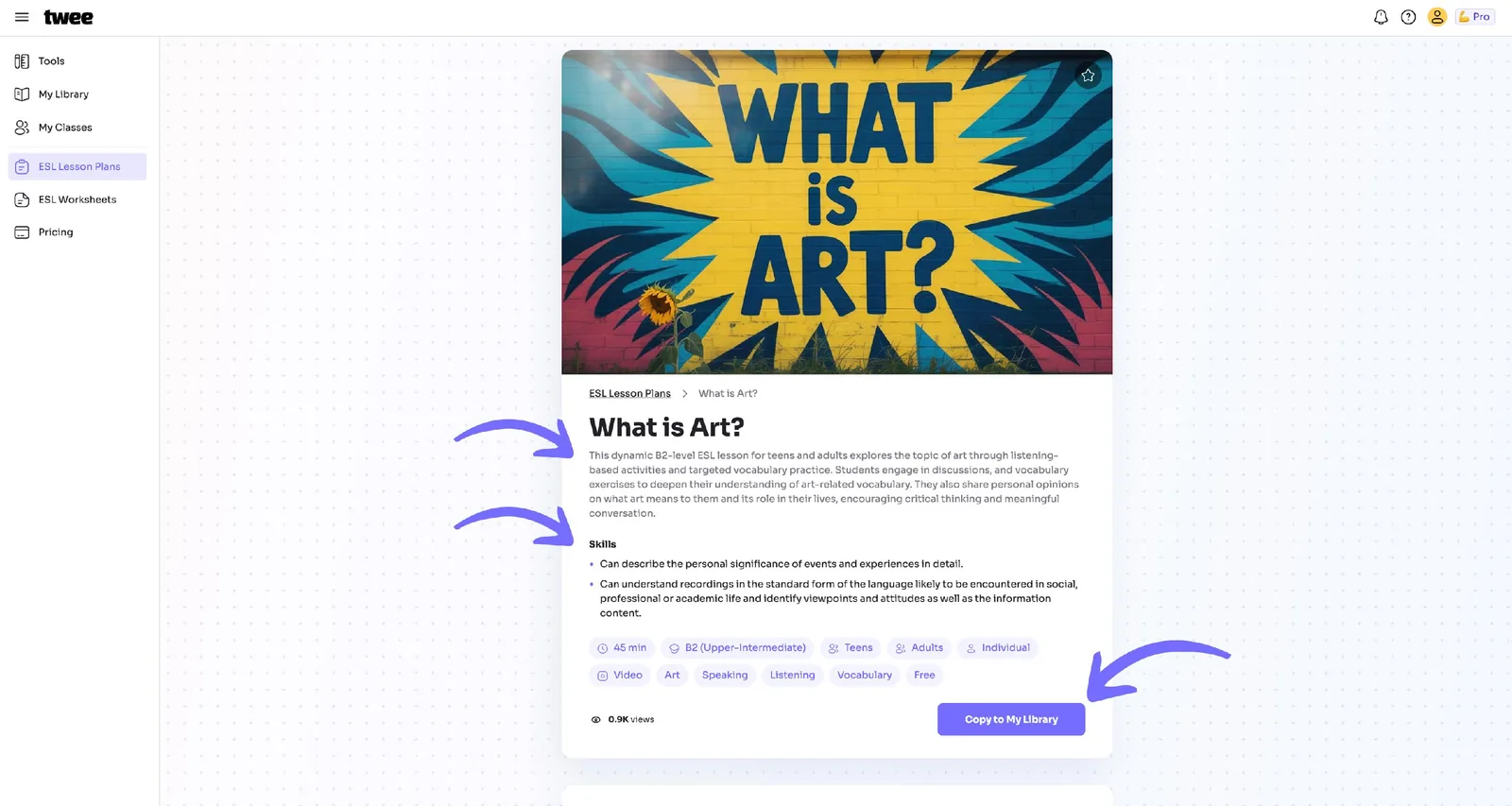
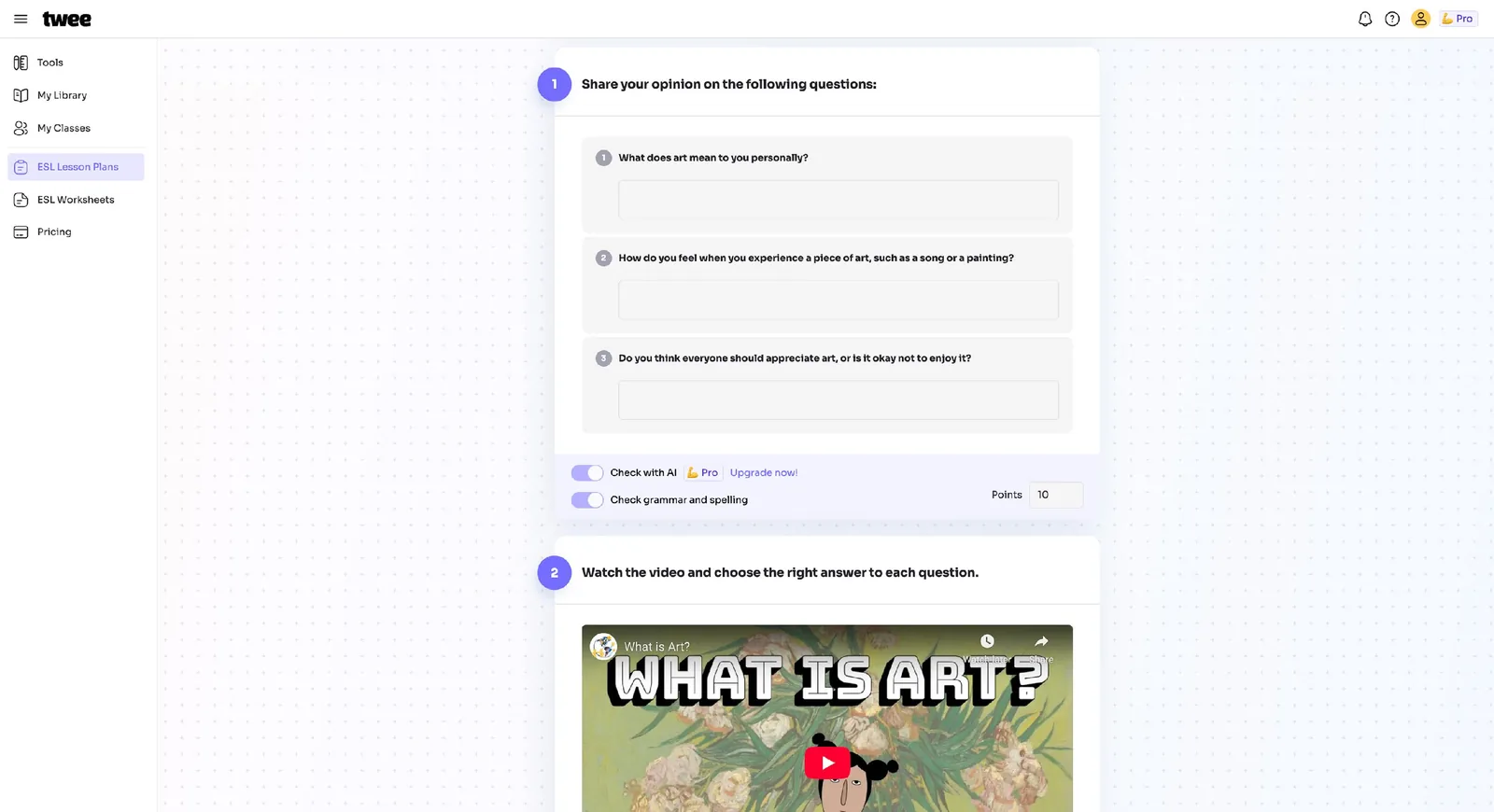
On the lesson plan page, you can read the description, see which CEFR skills the lesson focuses on, and view the categories it’s tagged with. Copy the lesson to your Library. From there, you can either assign it directly to your students or customize it to better fit their needs.