
Want to change the default instructions or the task itself once it’s generated?
Here’s how to do it:
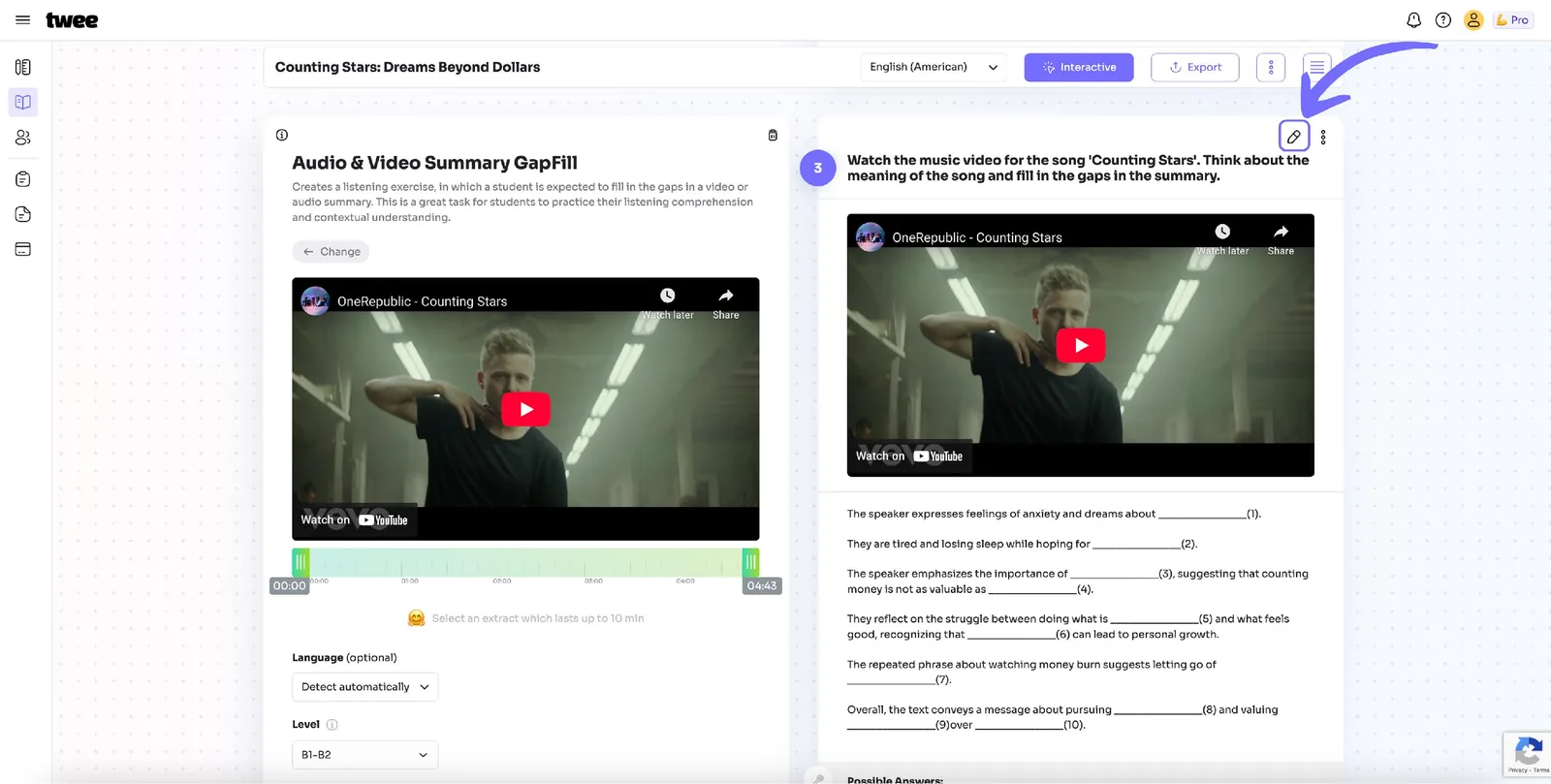
Step 1: Click the pen icon
Click the pen icon above the result.
Step 2: Change the task fields
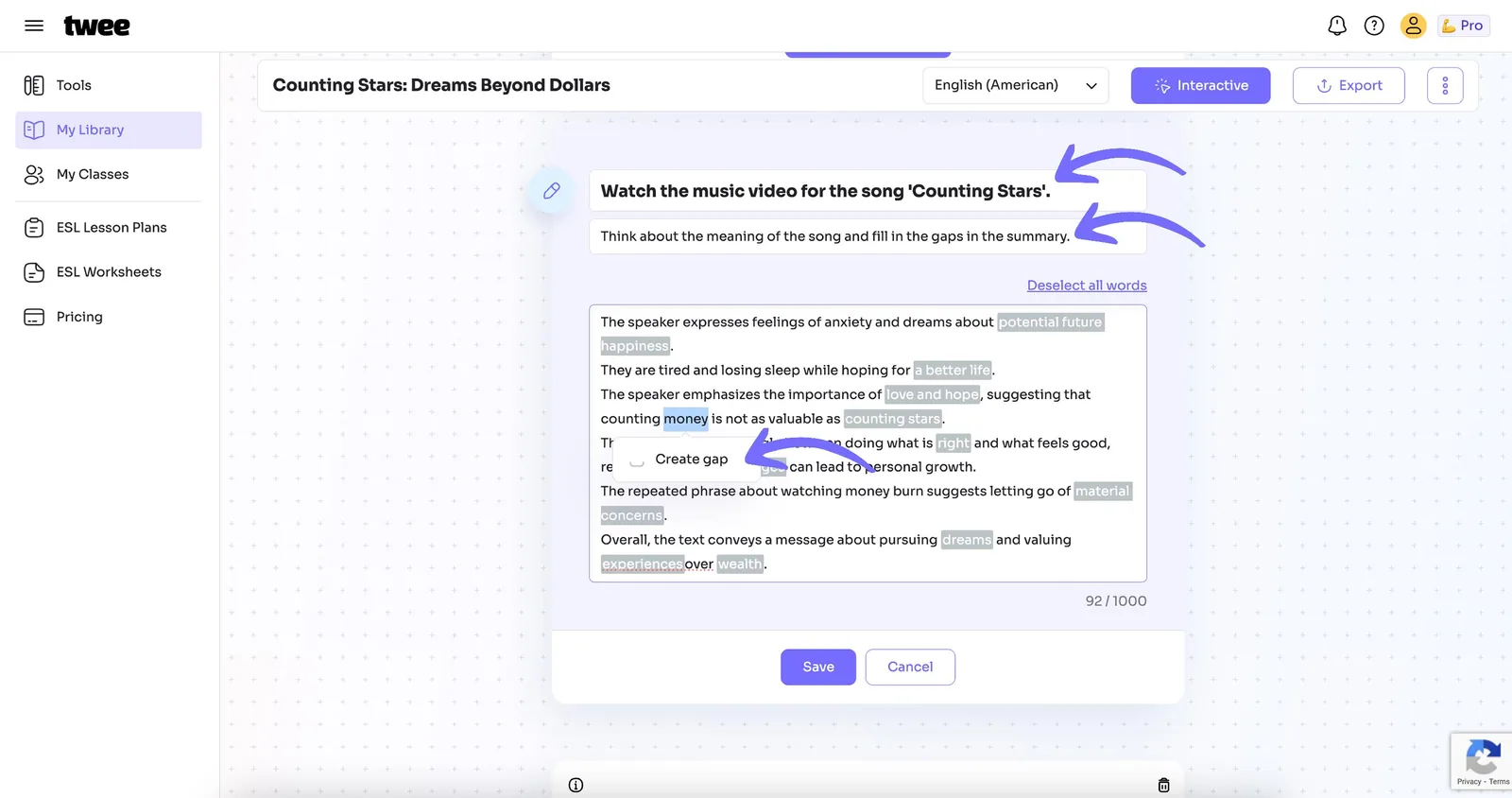
After clicking the icon, the title, description, and task fields will become editable. You can now make any changes you like.
Step 3: Save your changes
Click the Save button below the task — and you're done!