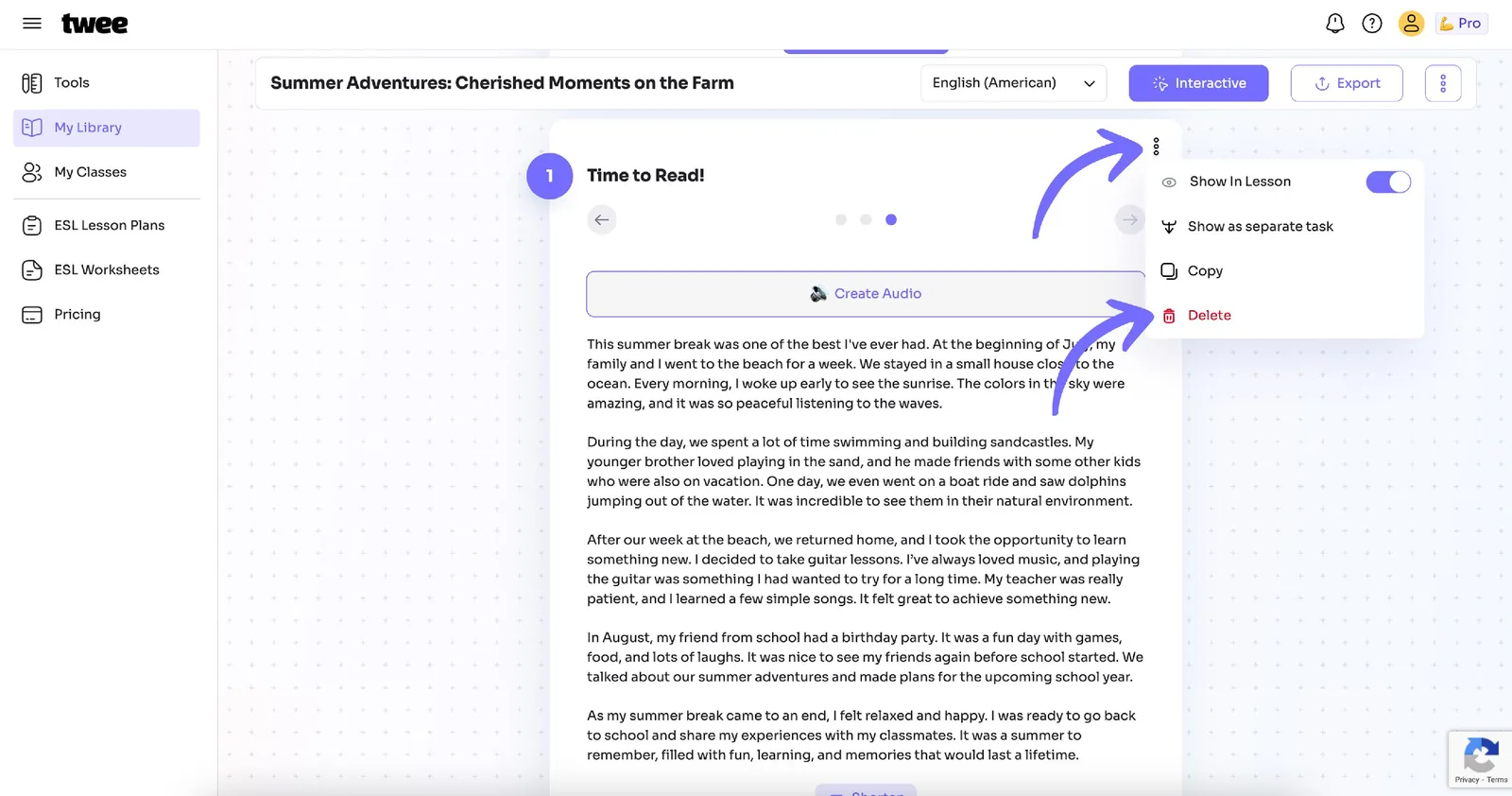
If the result isn’t quite what you wanted, you can delete it easily.
Step 1: Generate several results
Generate multiple results and keep the best one. You can generate up to 10 different results by clicking Do the Magic again.
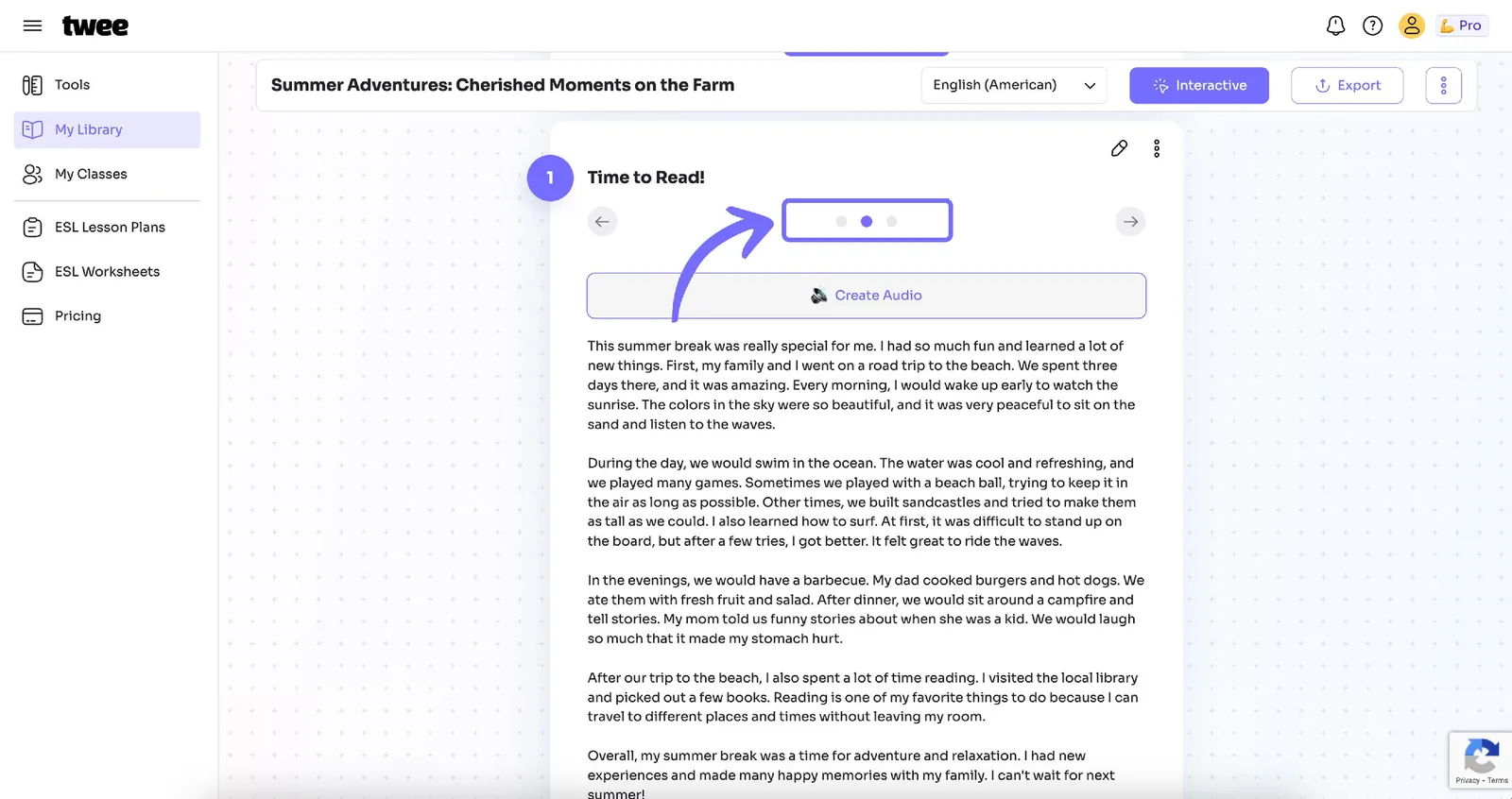
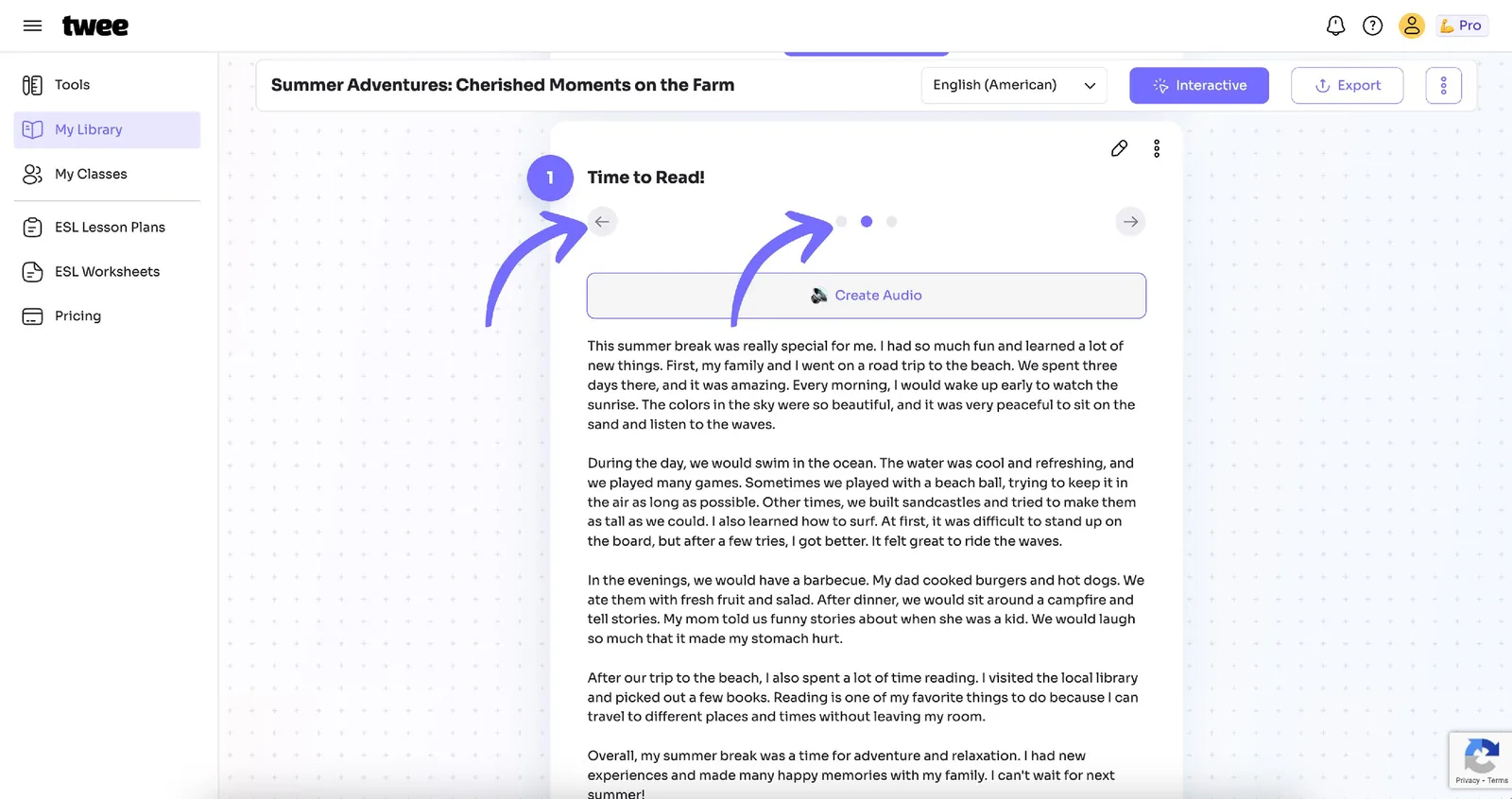
Step 2: Switch between versions
Once you've decided which version you like, you can delete the others. Use the arrows or dots above the result to switch between versions.
Step 3: Delete the unwanted result
Look for the three dots above the task. Click them to open the menu, then select Delete to remove the chosen result.