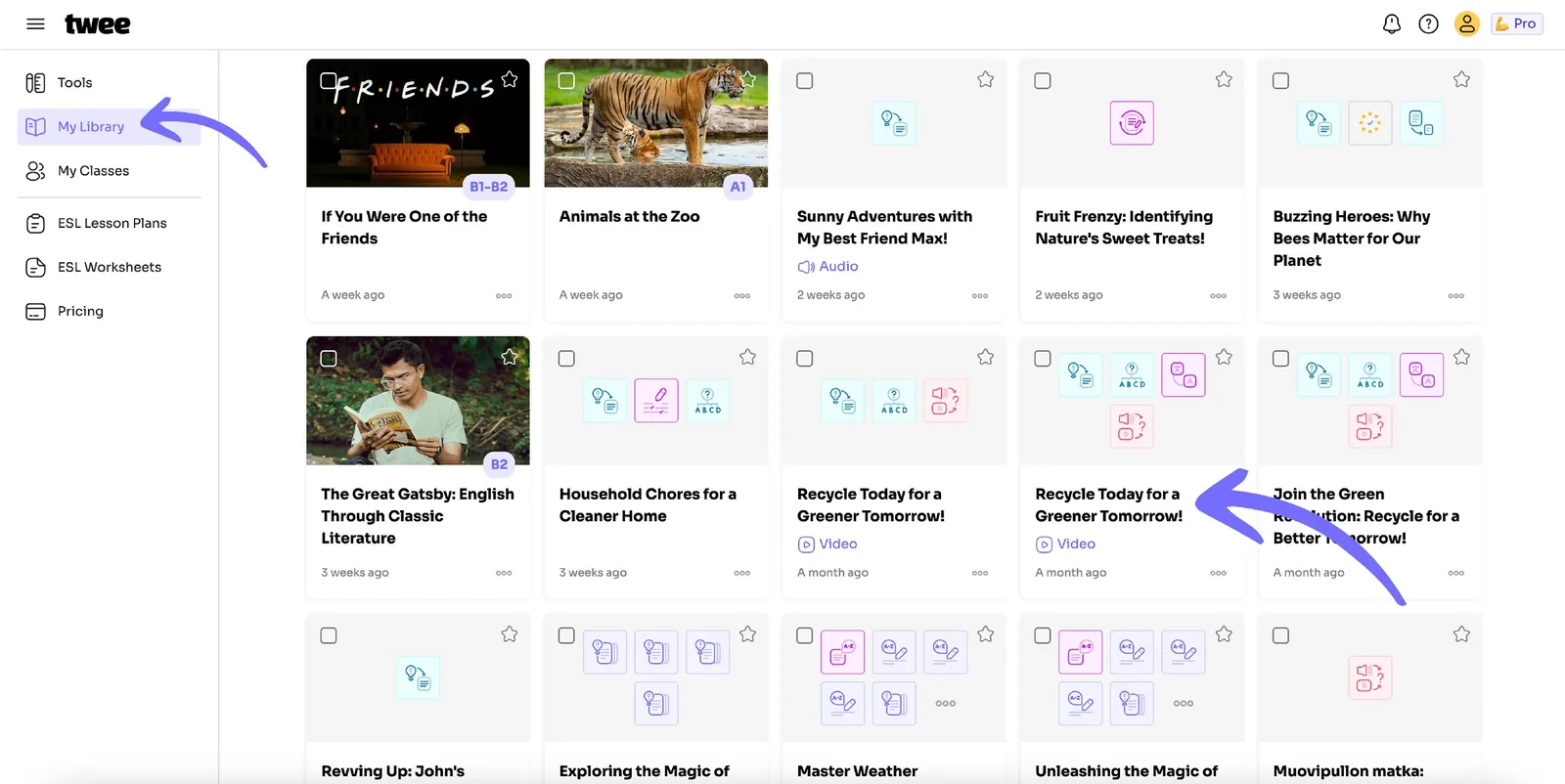
Step 1: Open the lesson from My Library
Open the lesson you want to assign from My Library.
Step 2: Switch to Interactive mode
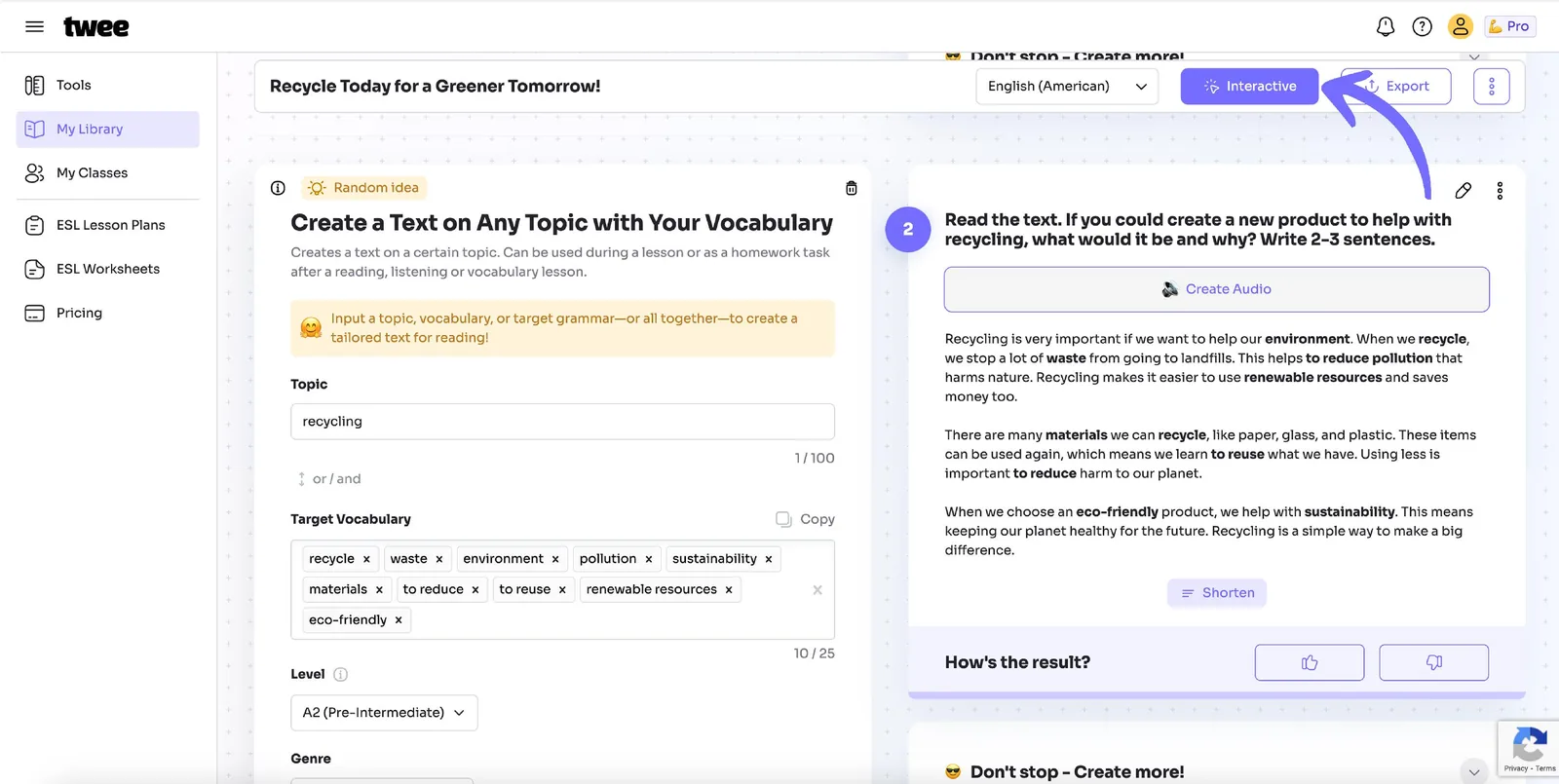
Ensure you're viewing the lesson in interactive mode.
If you're not in interactive mode, simply click Interactive at the top of the page.
Step 3: Turn on the answer toggle
Find the exercise where you’d like students to provide an answer.
For example, this could apply to exercises created using tools like Create a Text, Reading Bits and Pieces, Add Your Text, or Add Your Images.
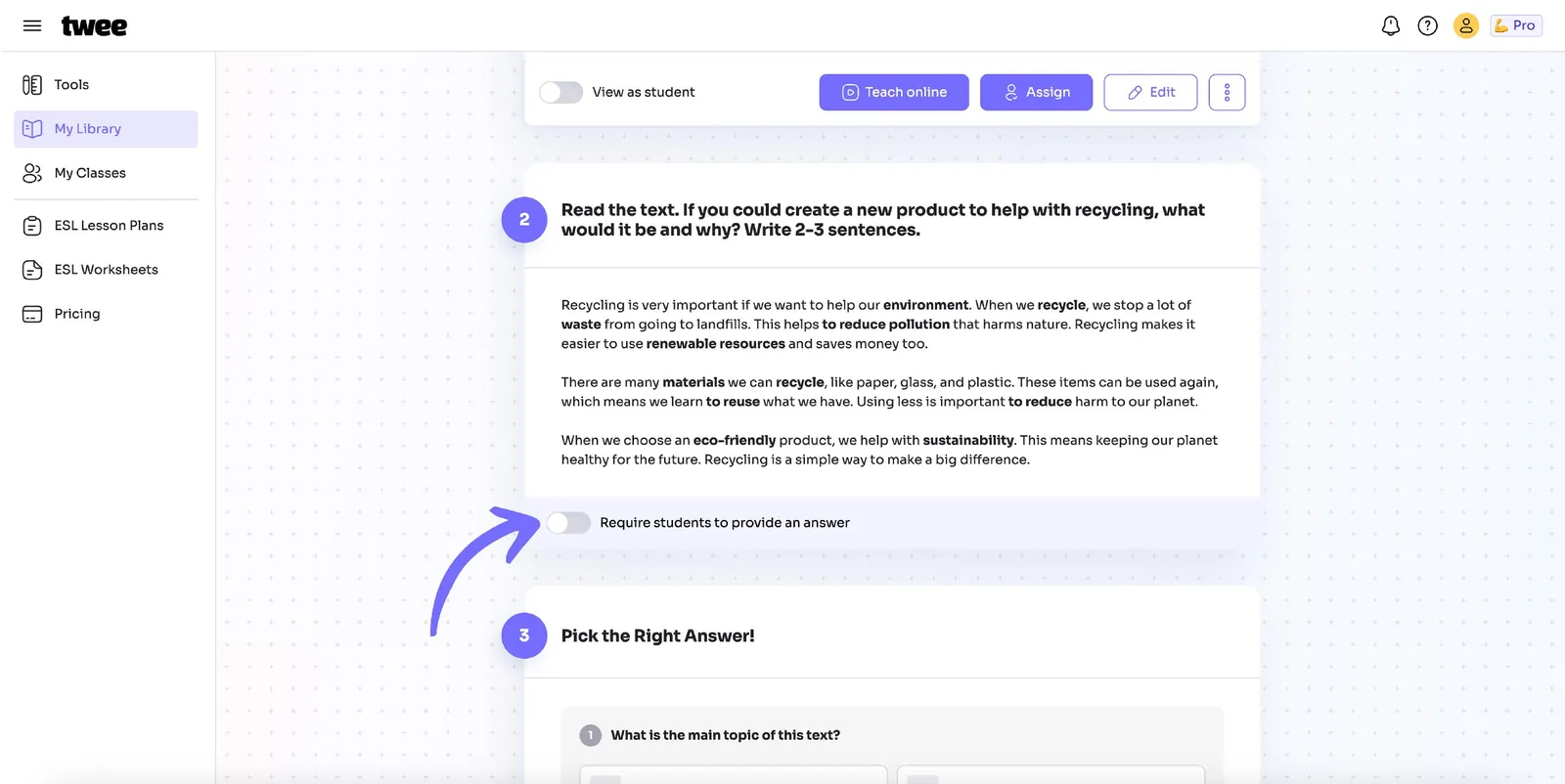
Below the generated task, look for the option labeled Require students to provide an answer.
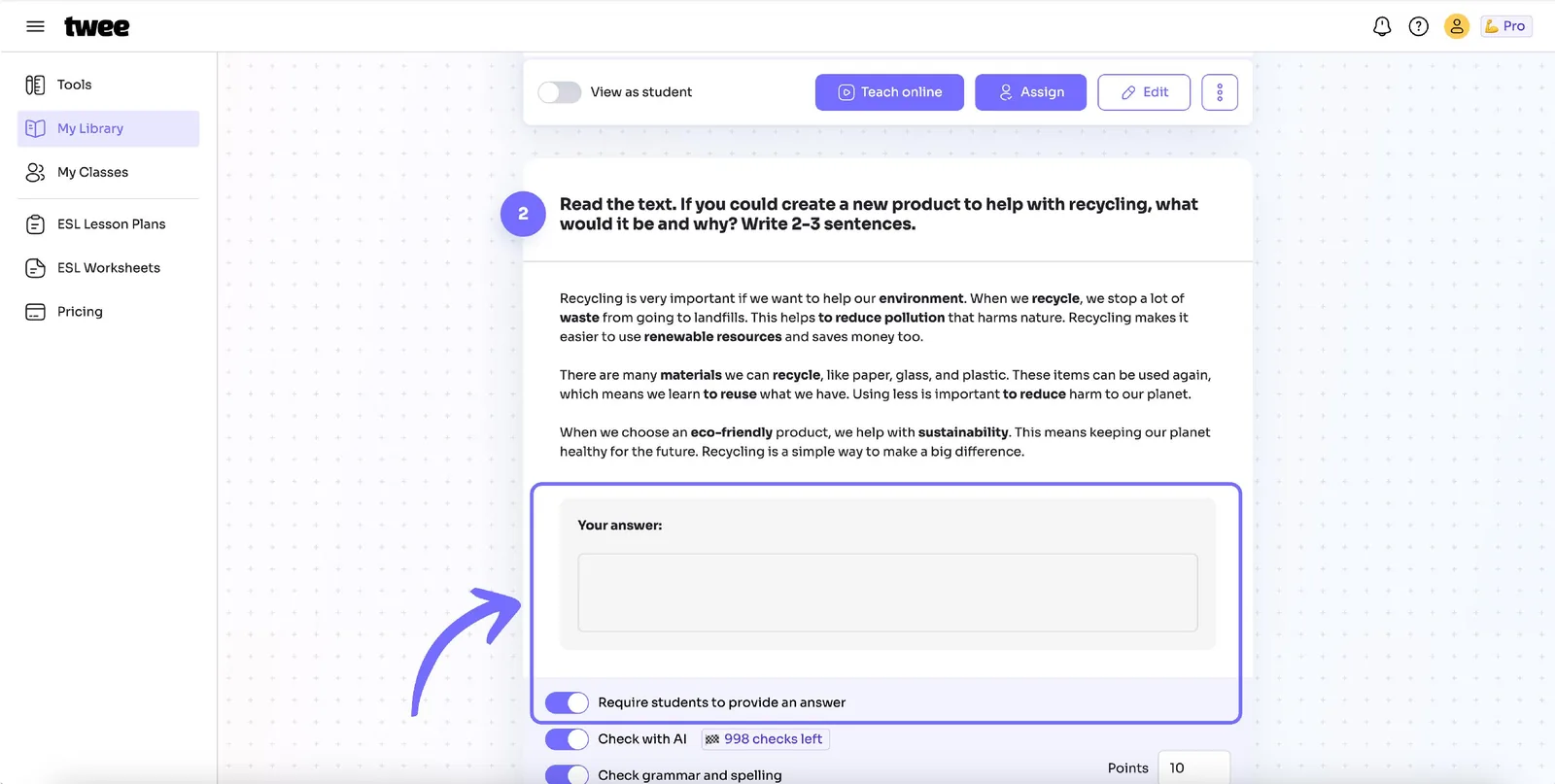
Toggle the switch, and a field will appear where students can enter their answers.