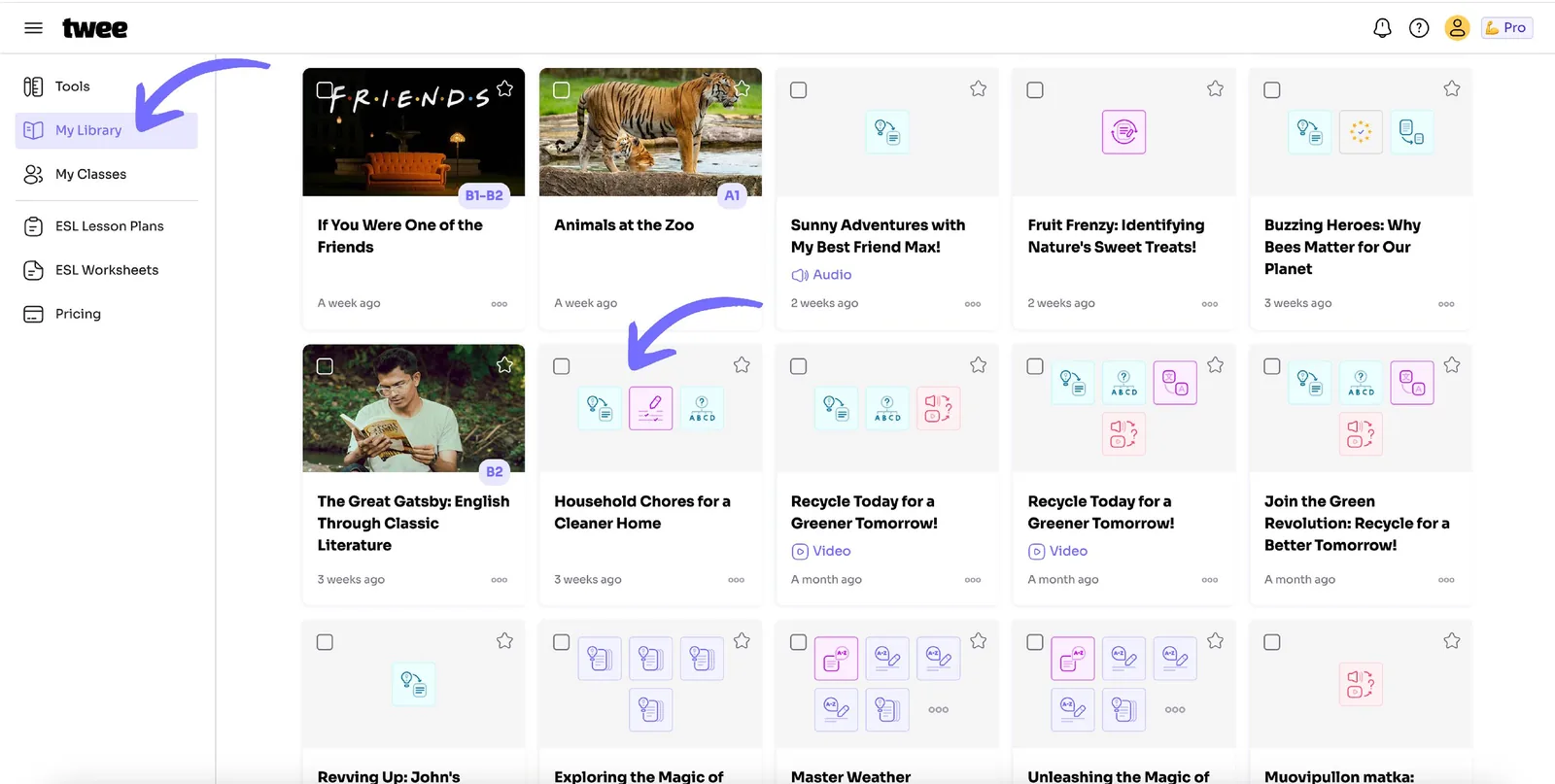
Step 1: Choose a lesson in My Library
Go to My Library, browse through the available lessons and select the one you’d like to assign.
Step 2: Open Interactive and click Assign
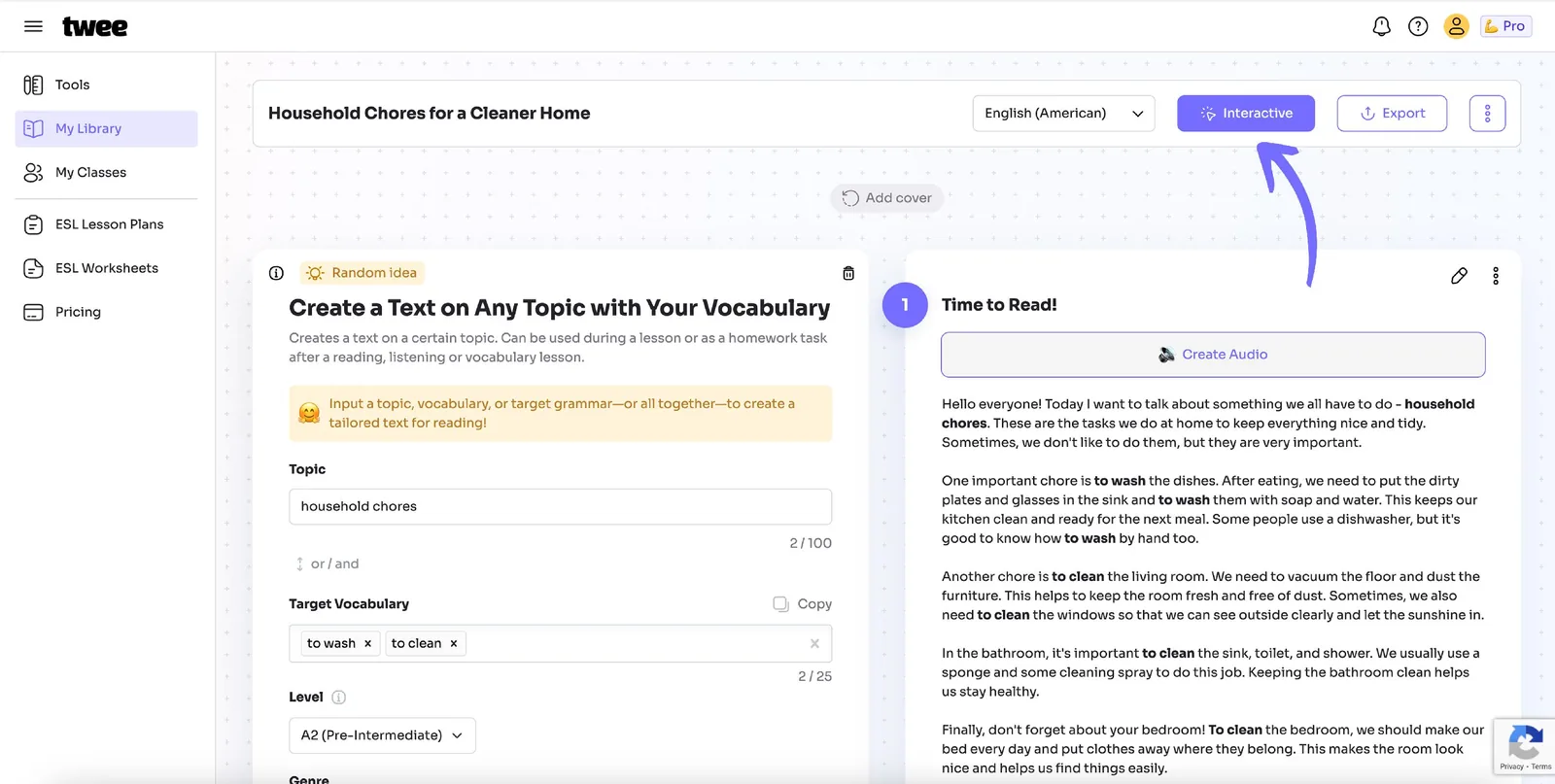
If you're still in editing mode, click the Interactive tab first.
Once in interactive mode, you will see the Assign button right away.
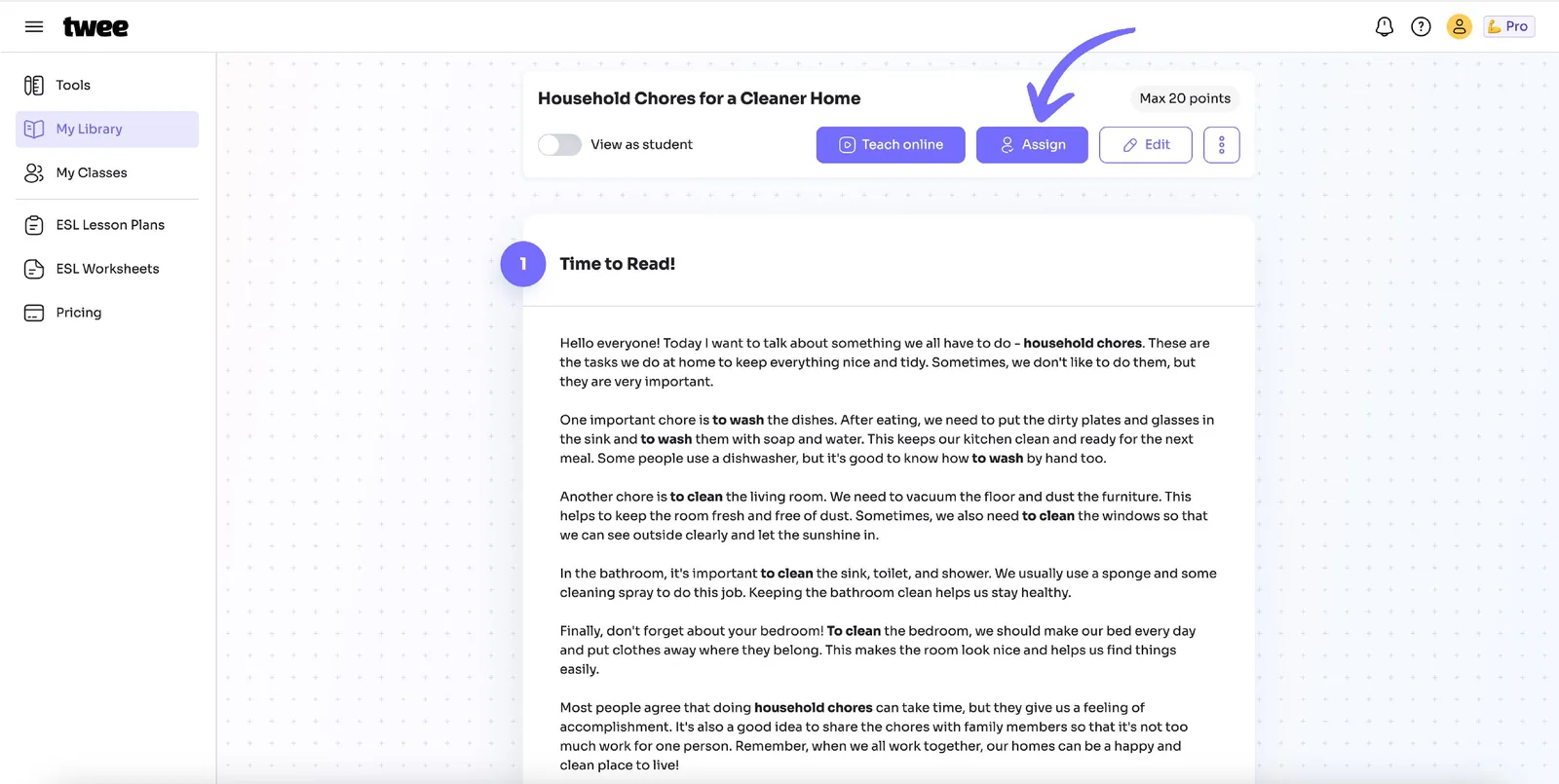
Step 3: Pick Google Classroom or Microsoft Teams
After clicking Assign, you’ll be directed to a page where you can choose how to assign the lesson.
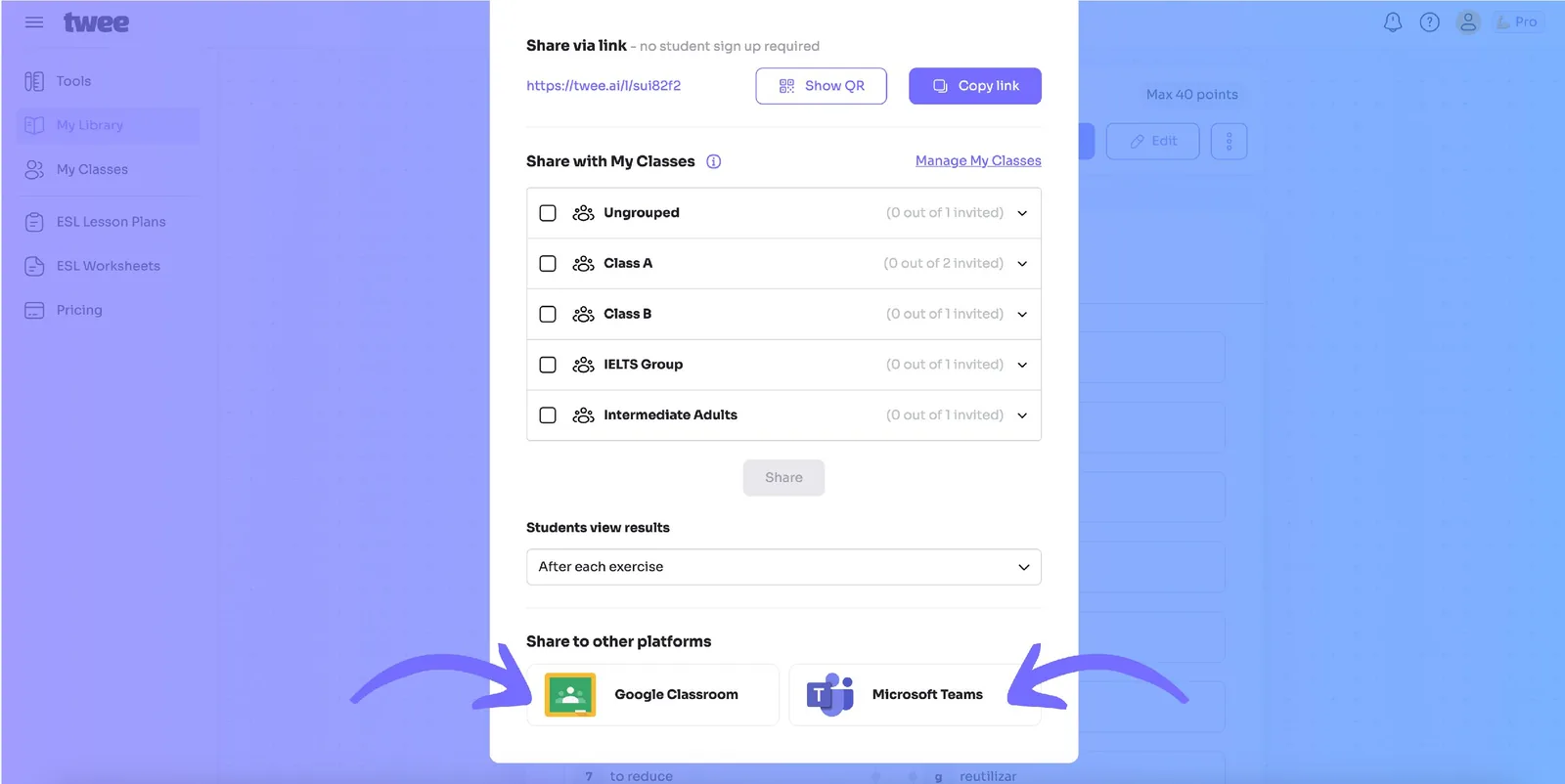
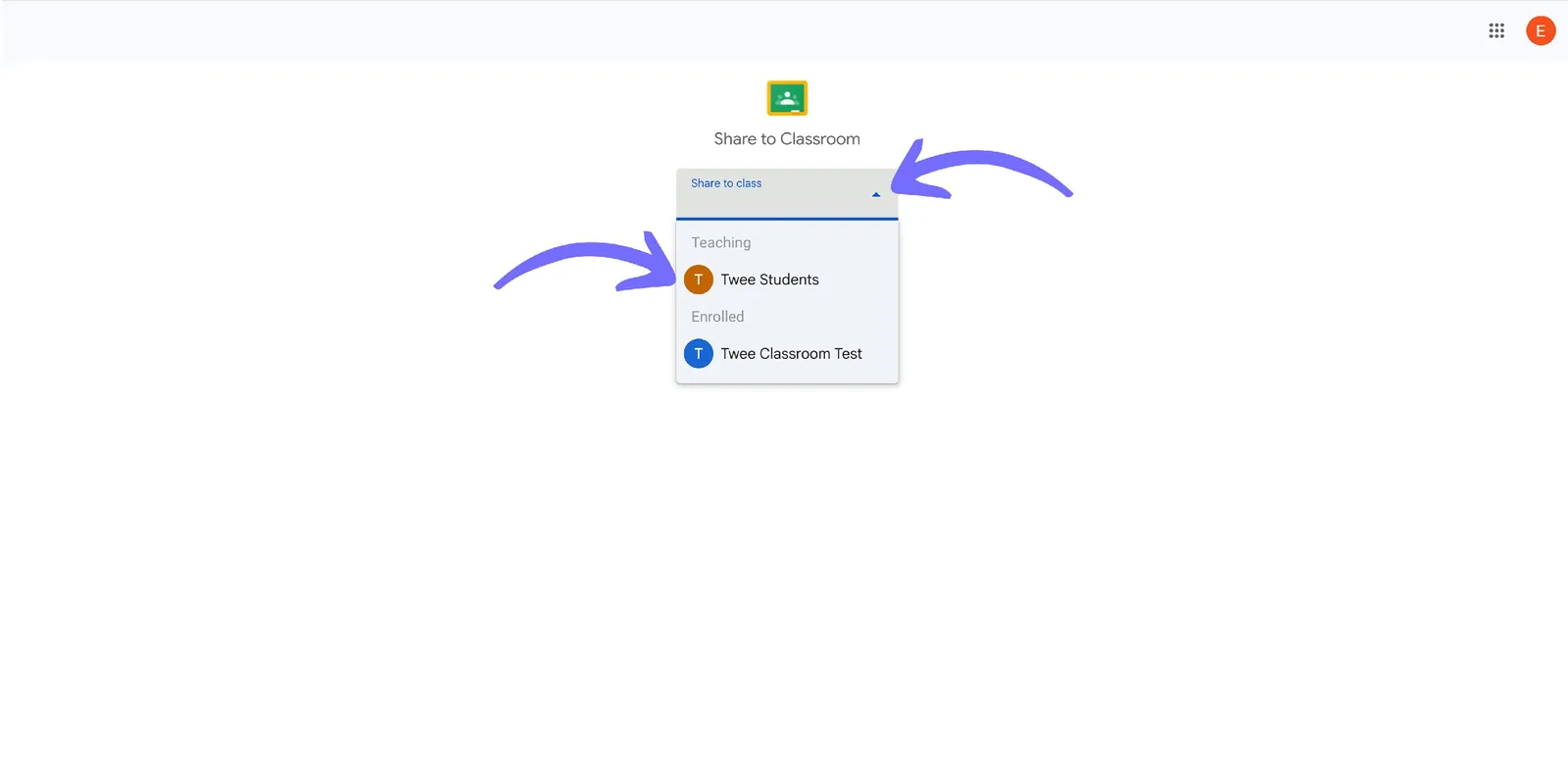
Scroll down until you see Share to other Platforms. Choose either Google Classroom or Microsoft Teams, and your entire assignment will be shared with one of your classes there.