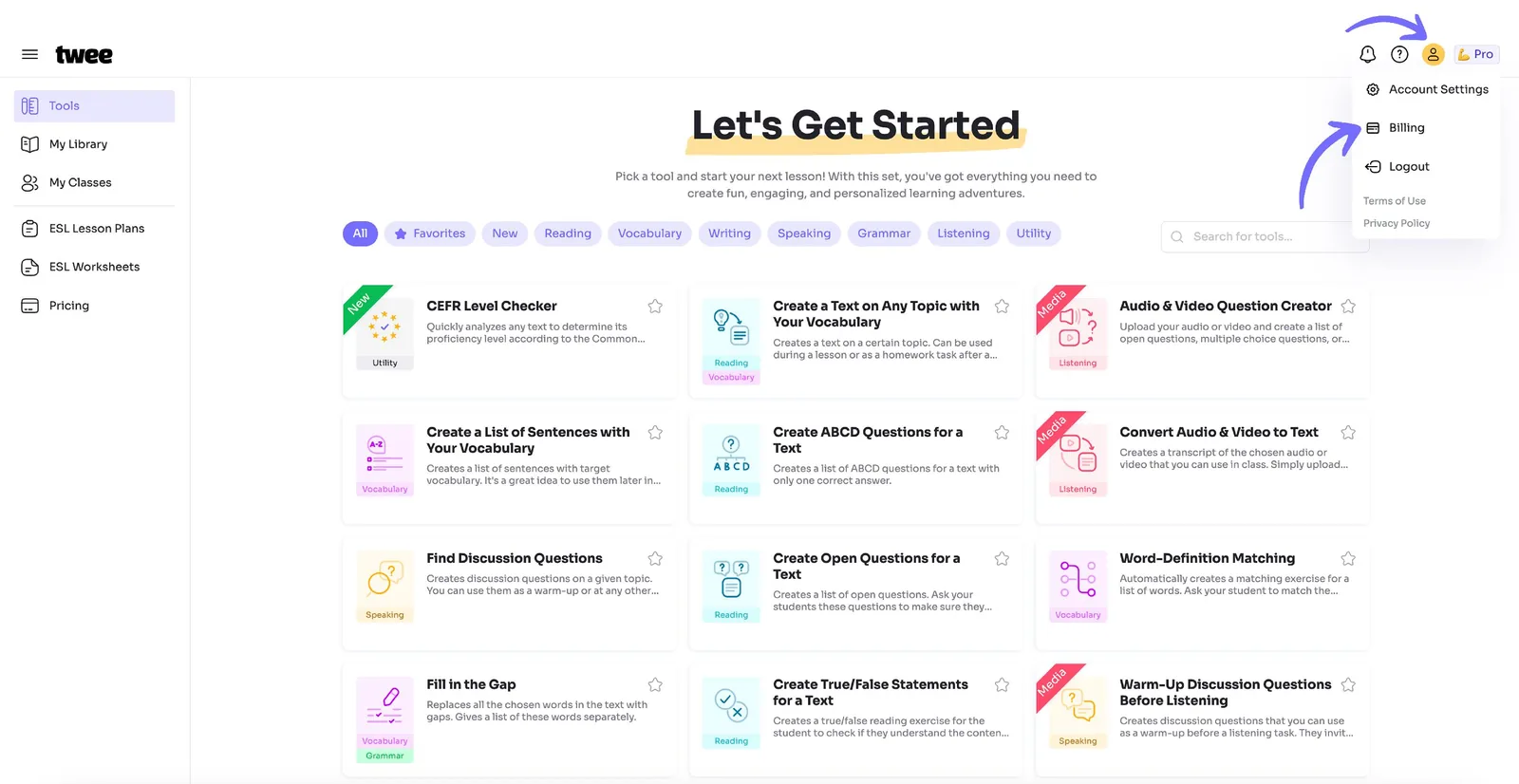
Step 1: Open the Billing page
Go to Account Settings by clicking on the person icon in the top right corner of the screen, and then select Billing from the menu.
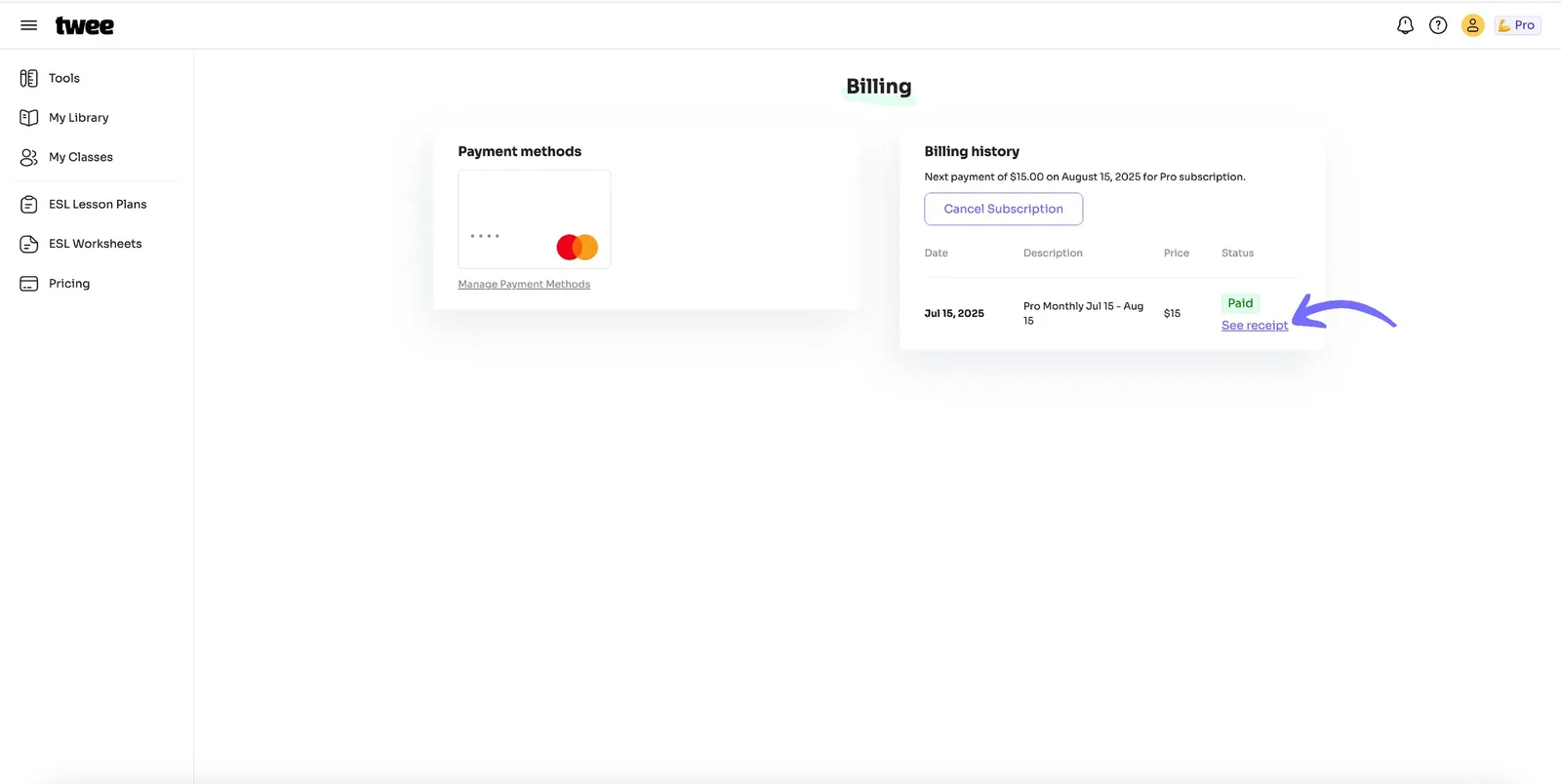
Step 2: Click See Receipt
Click See Receipt next to the payment you are looking for.
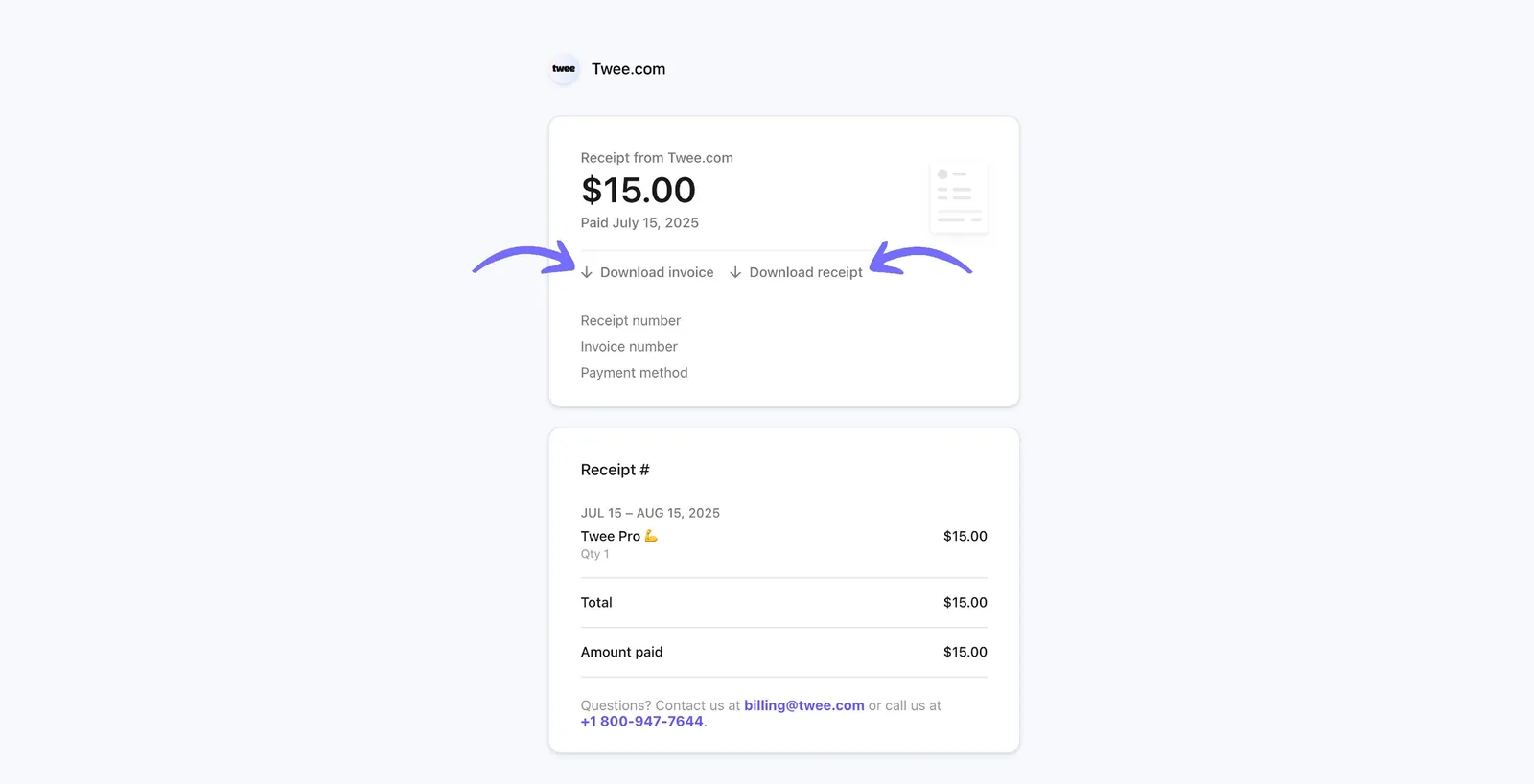
Step 3: Download the document
Click on Download Invoice or Download Receipt to save it to your files. You can then print it, store it, or send it wherever you need.