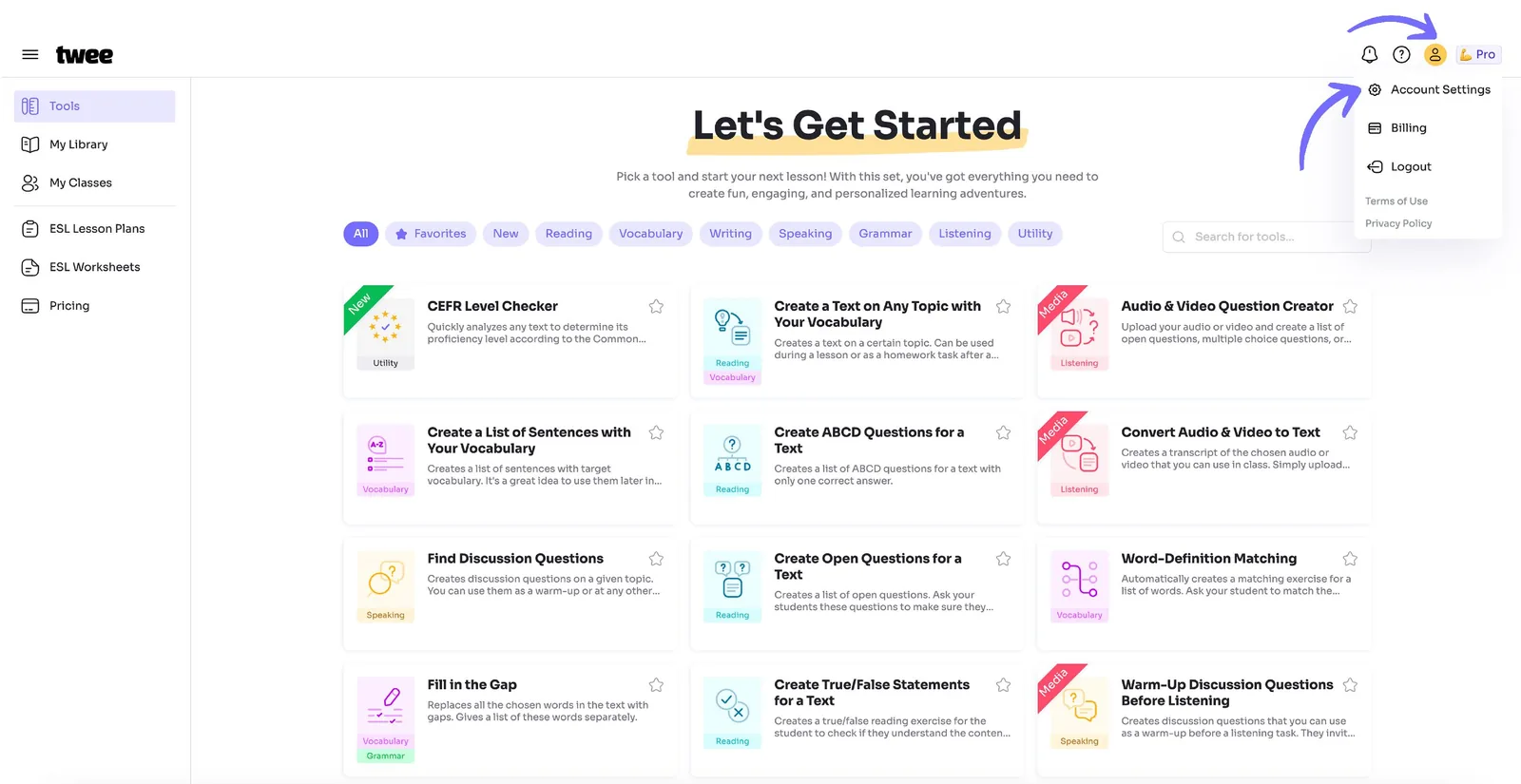
Step 1: Open Account Settings
Go to Account Settings by clicking on the person icon in the top right corner of the screen, and then select Account Settings from the menu.
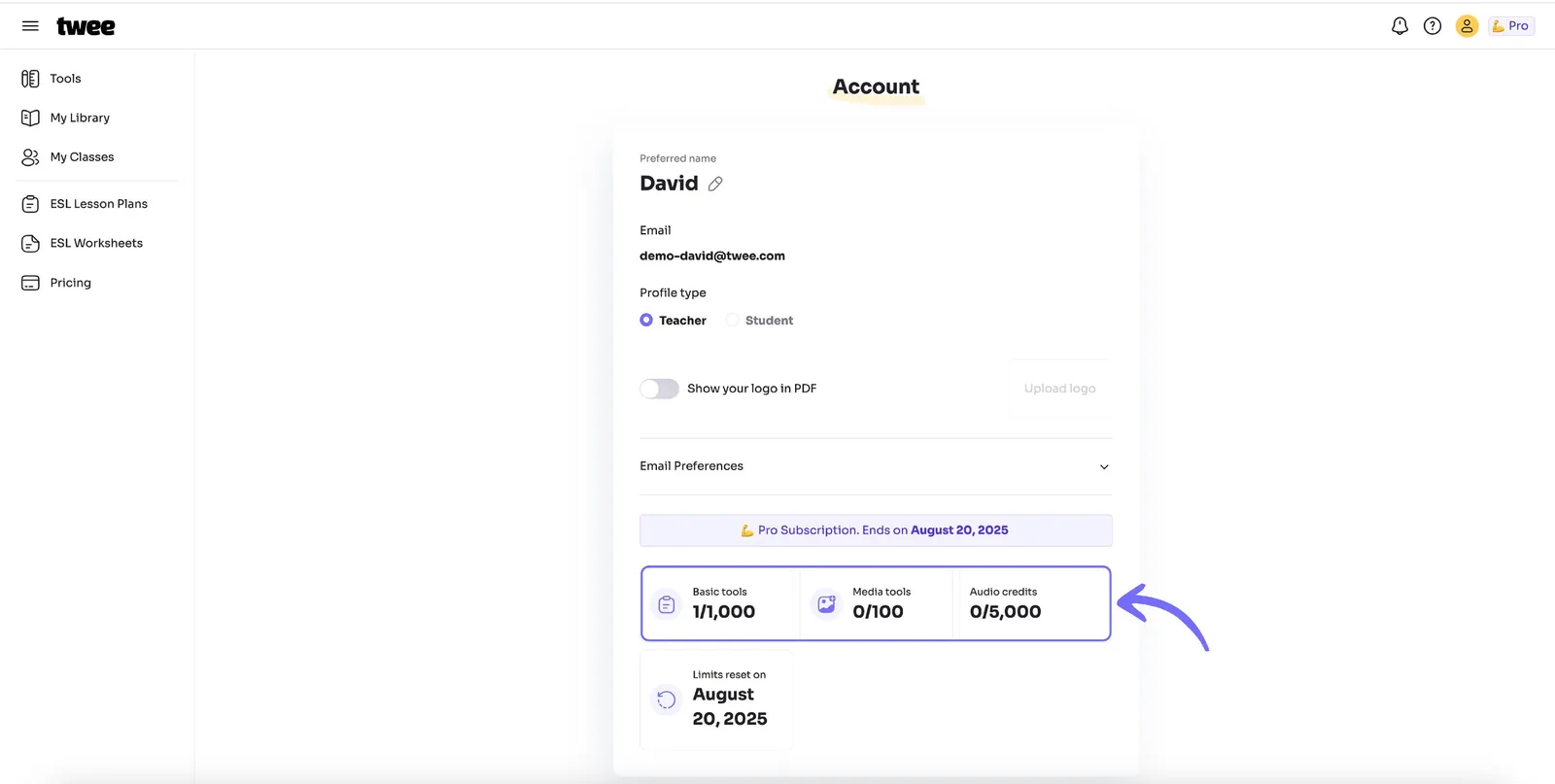
Step 2: Check your remaining runs and credits
Towards the bottom, you can see the number of runs left for Basic tools, Media tools (tools that work with video/audio as input), and the number of audio credits (credits needed to convert your texts into audio files).