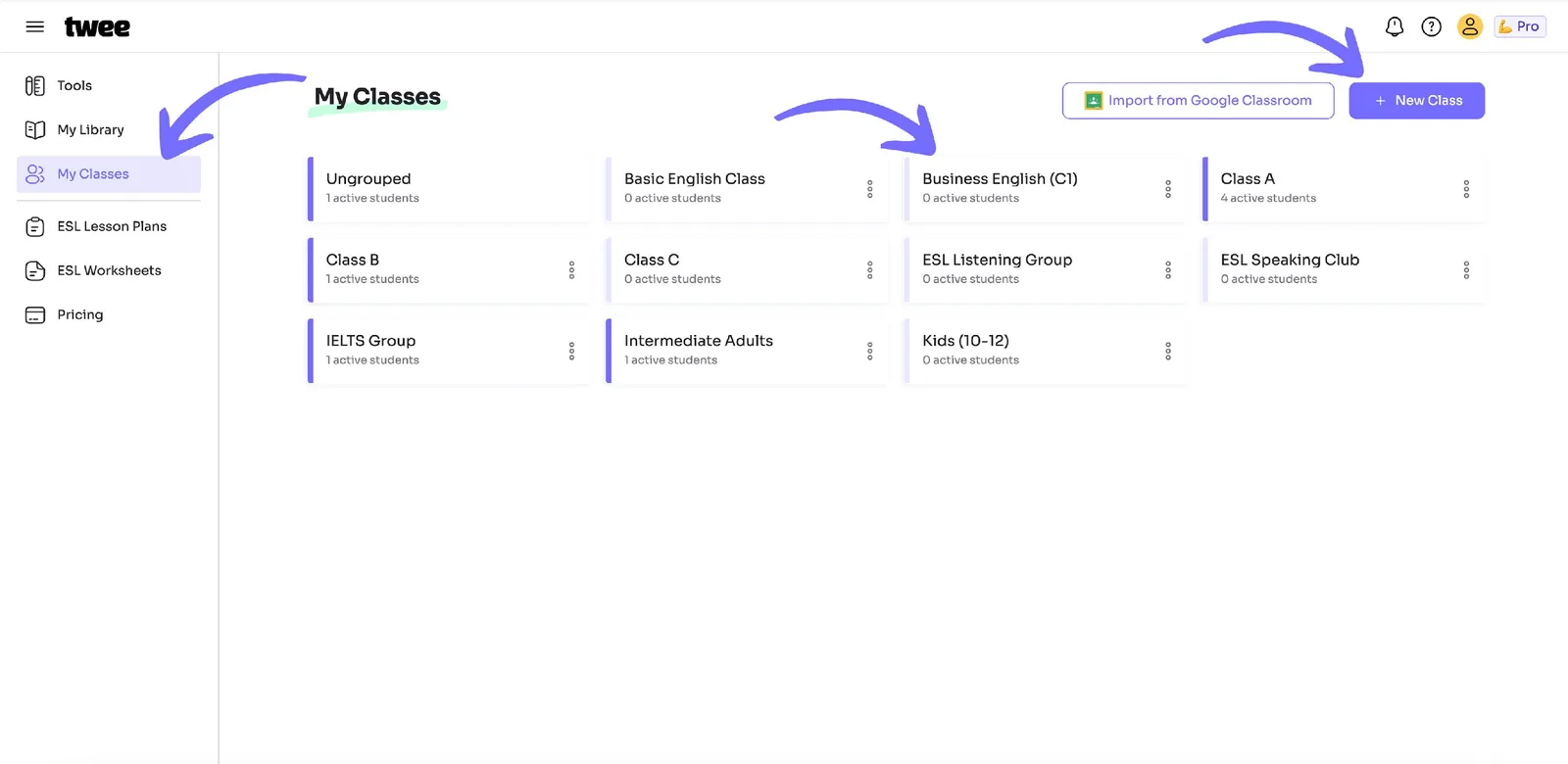
Step 1: Open a class in My Classes
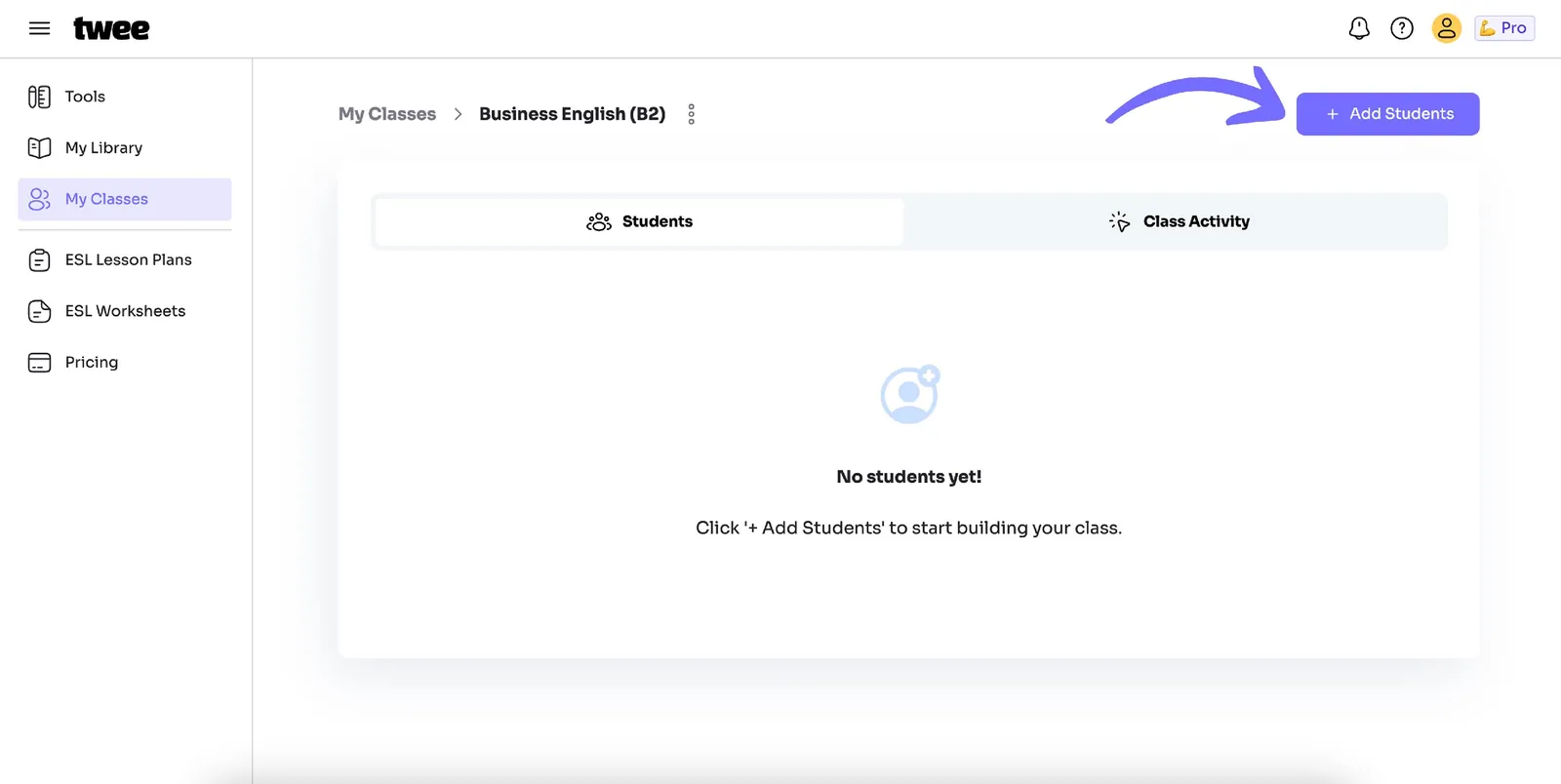
Go to My Classes and create a New Class or open an existing one.
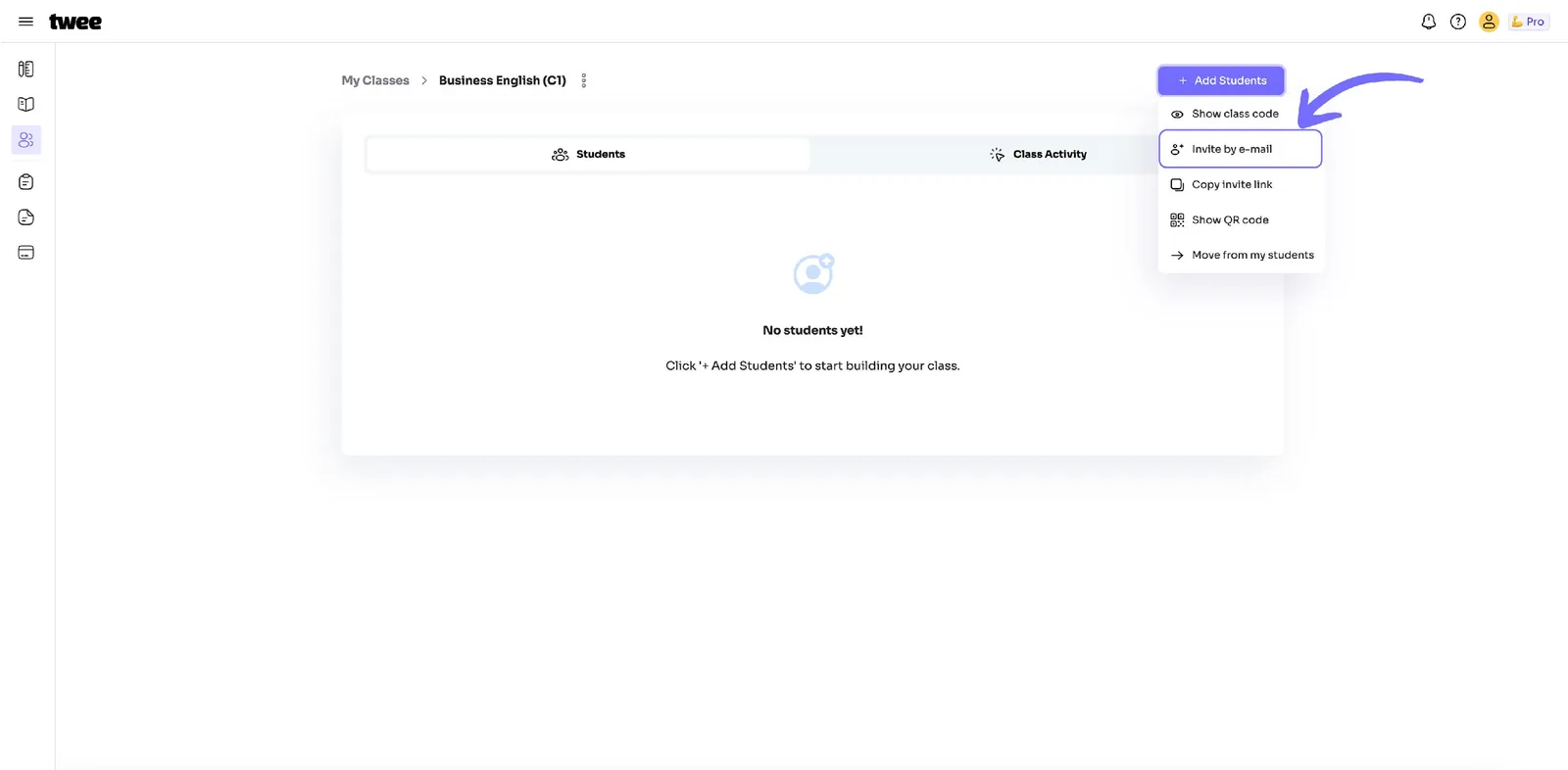
Step 2: Choose Invite by Email
Click on Add Students, and you'll see a dropdown menu with several options. Select Invite by Email.
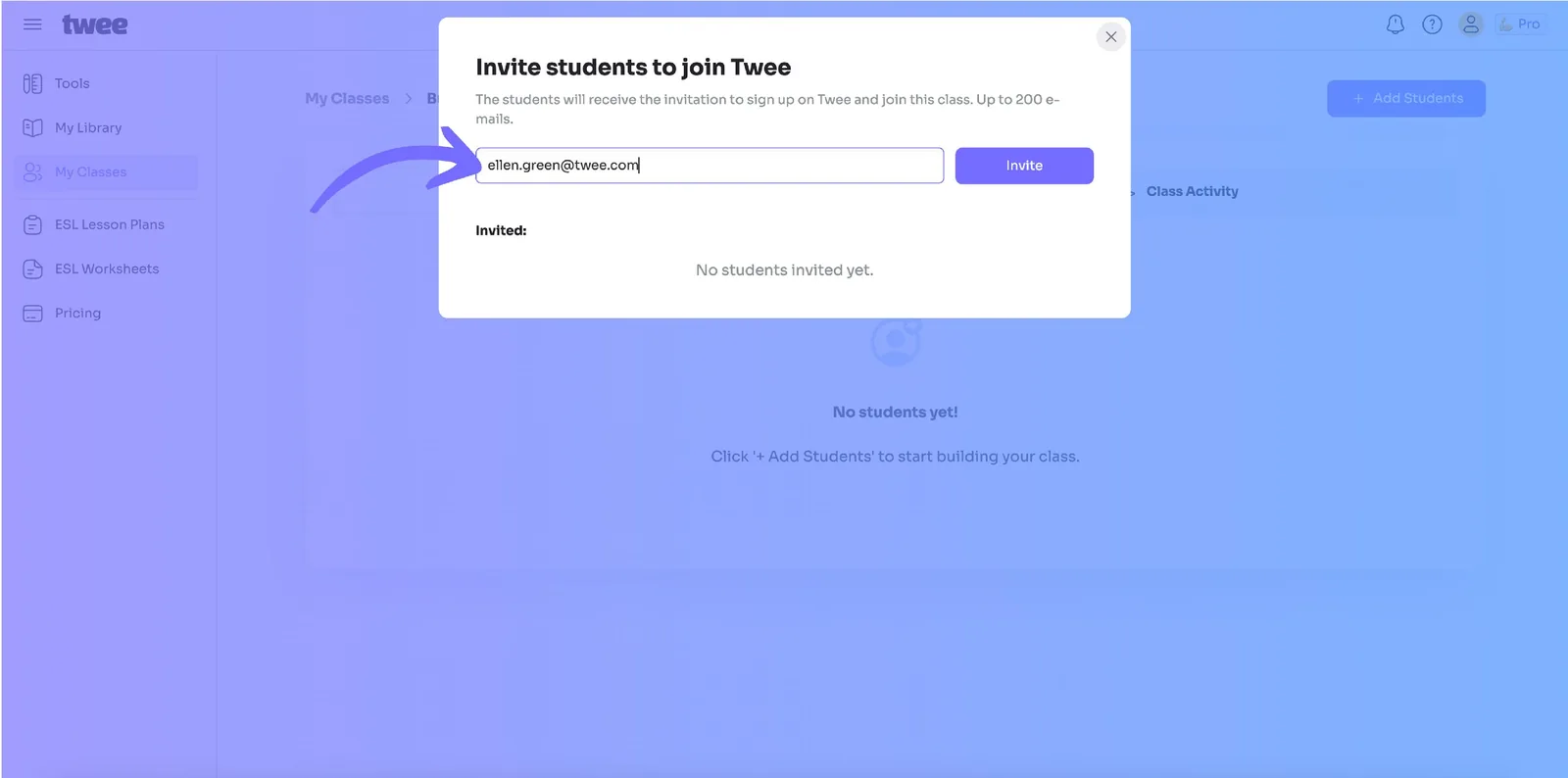
Step 3: Enter student email addresses
Enter the students' email addresses.
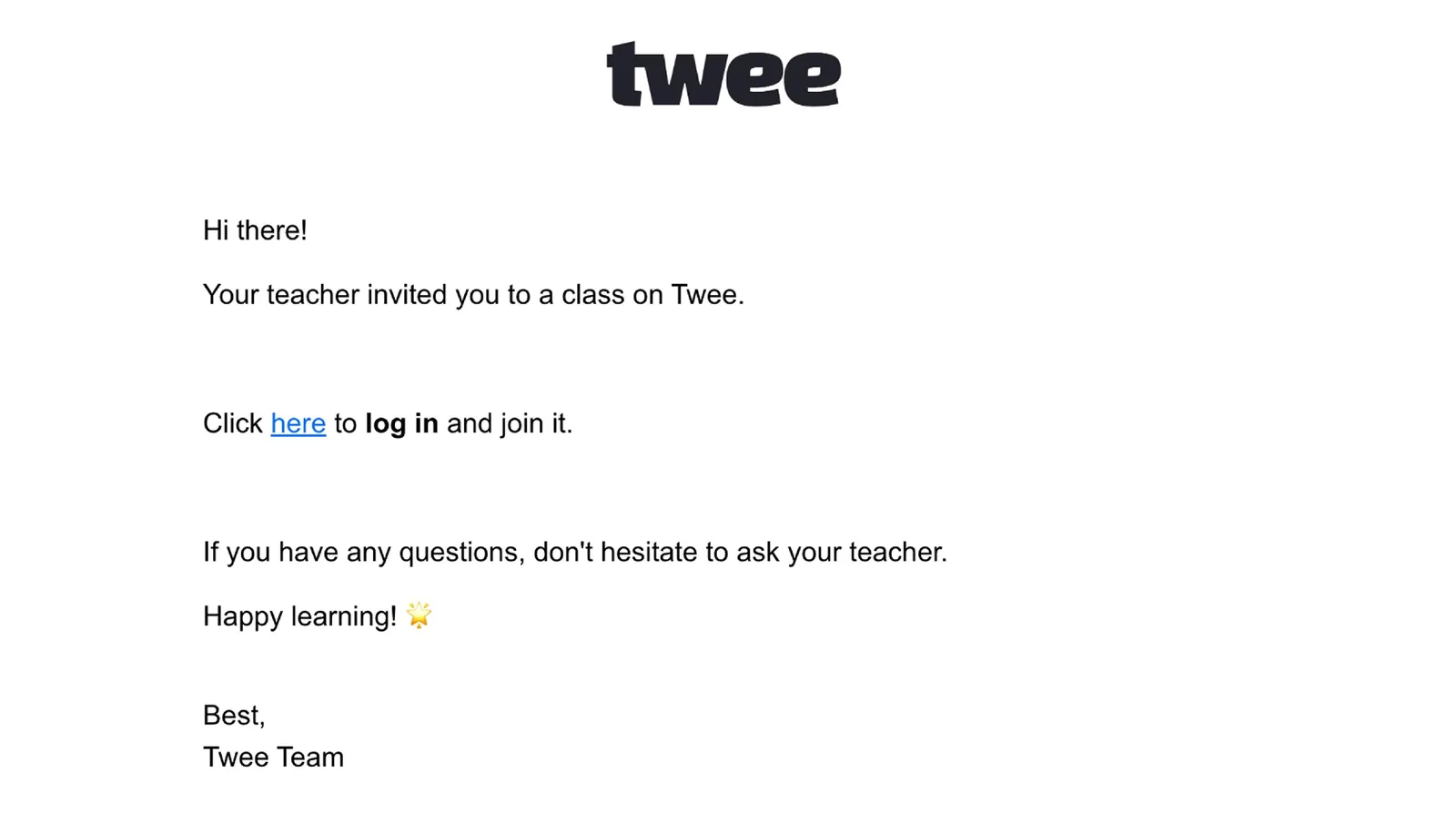
Step 4: See the invitation email
Your students will receive an invitation email with a link to the student sign-up page.
Step 5: Have students sign up
The students will enter their name and email address on the sign-up page.

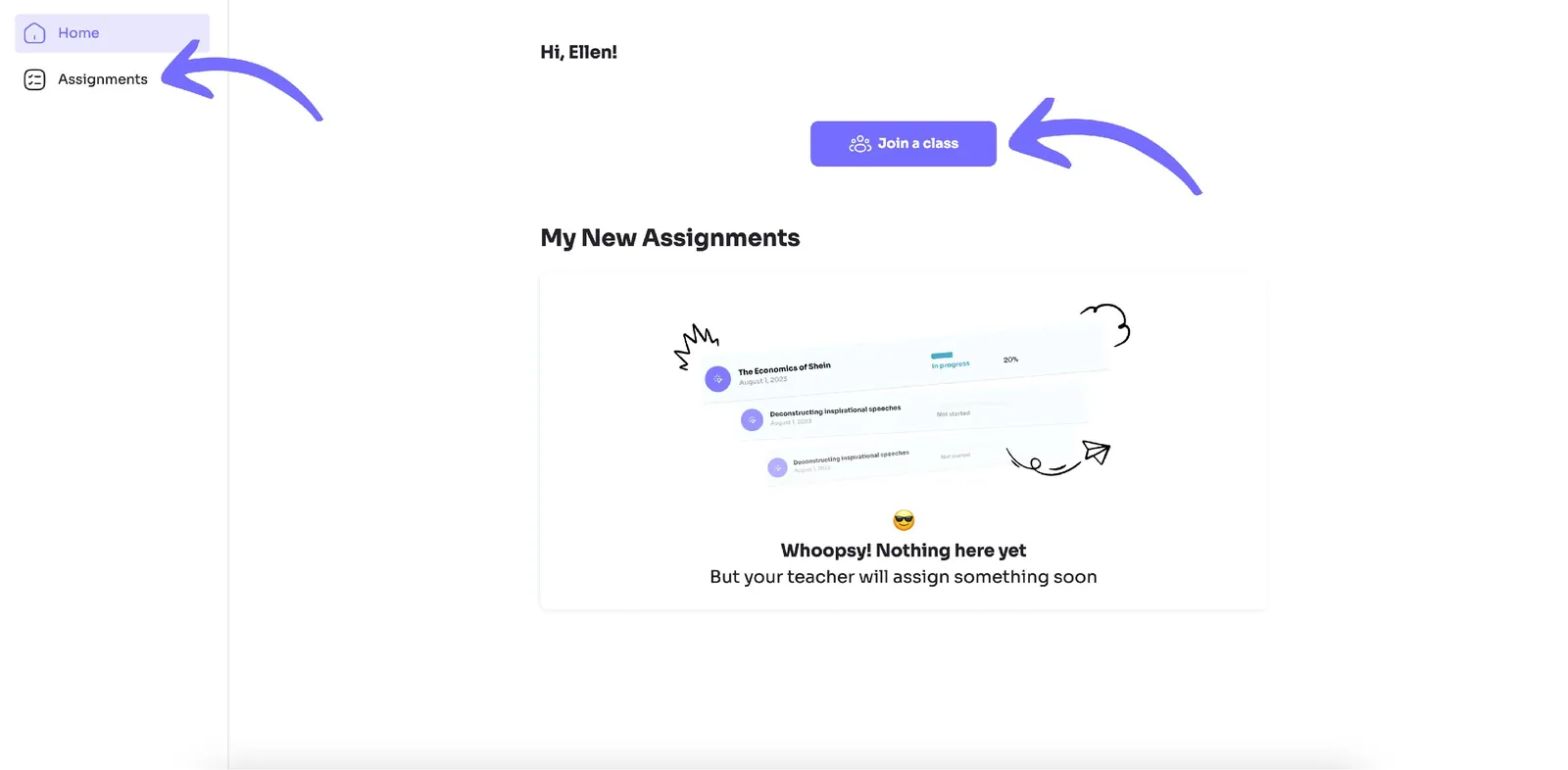
Step 6: Let students log in
They will log into their account and see the option to join a class and view their assignments in the future.