Step 1: Open your assignment
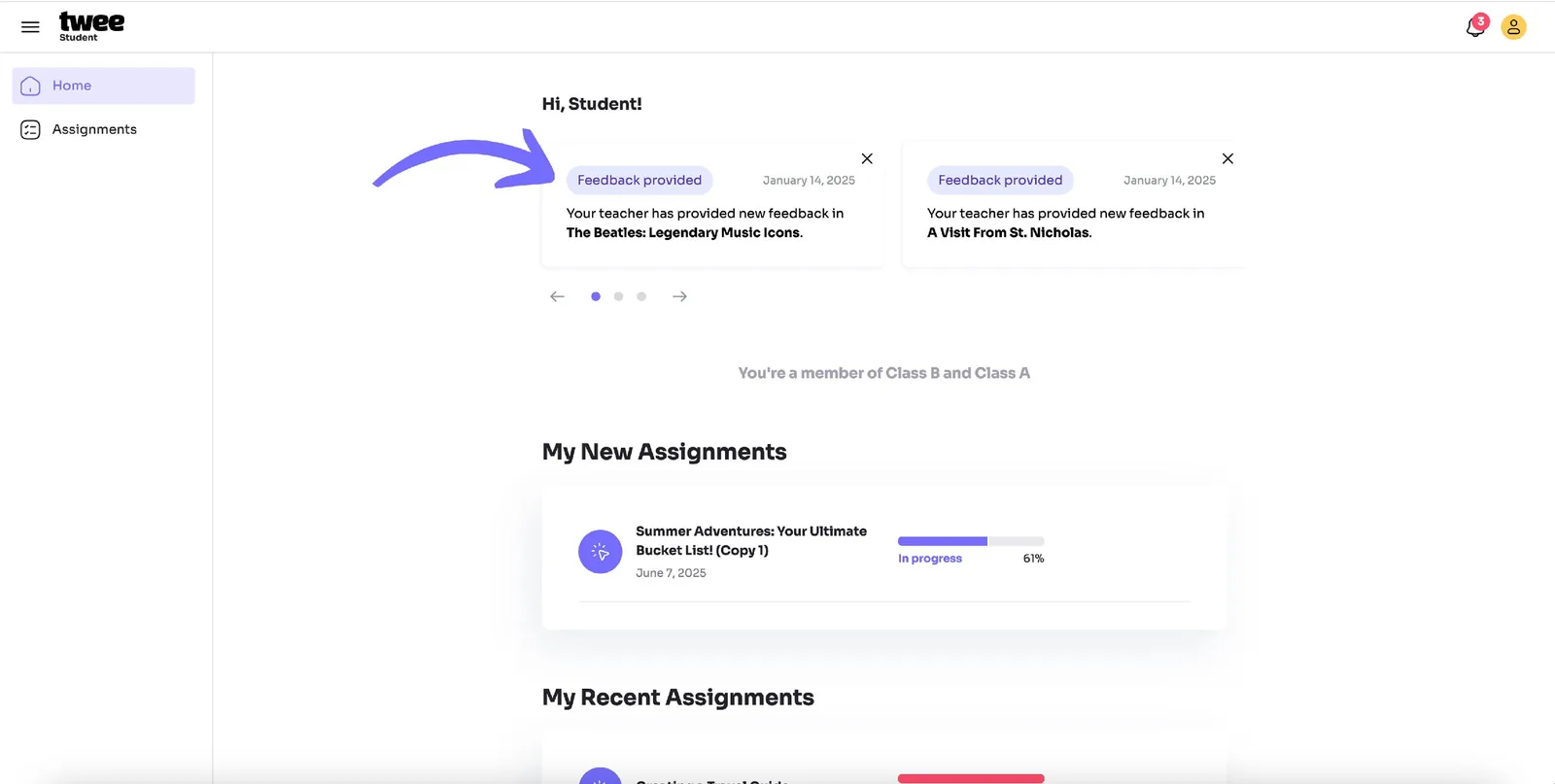
If your teacher has already provided feedback, you will see it at the top of the Home Page.
Select the assignment you are interested in and open it.
Step 2: Check your total score
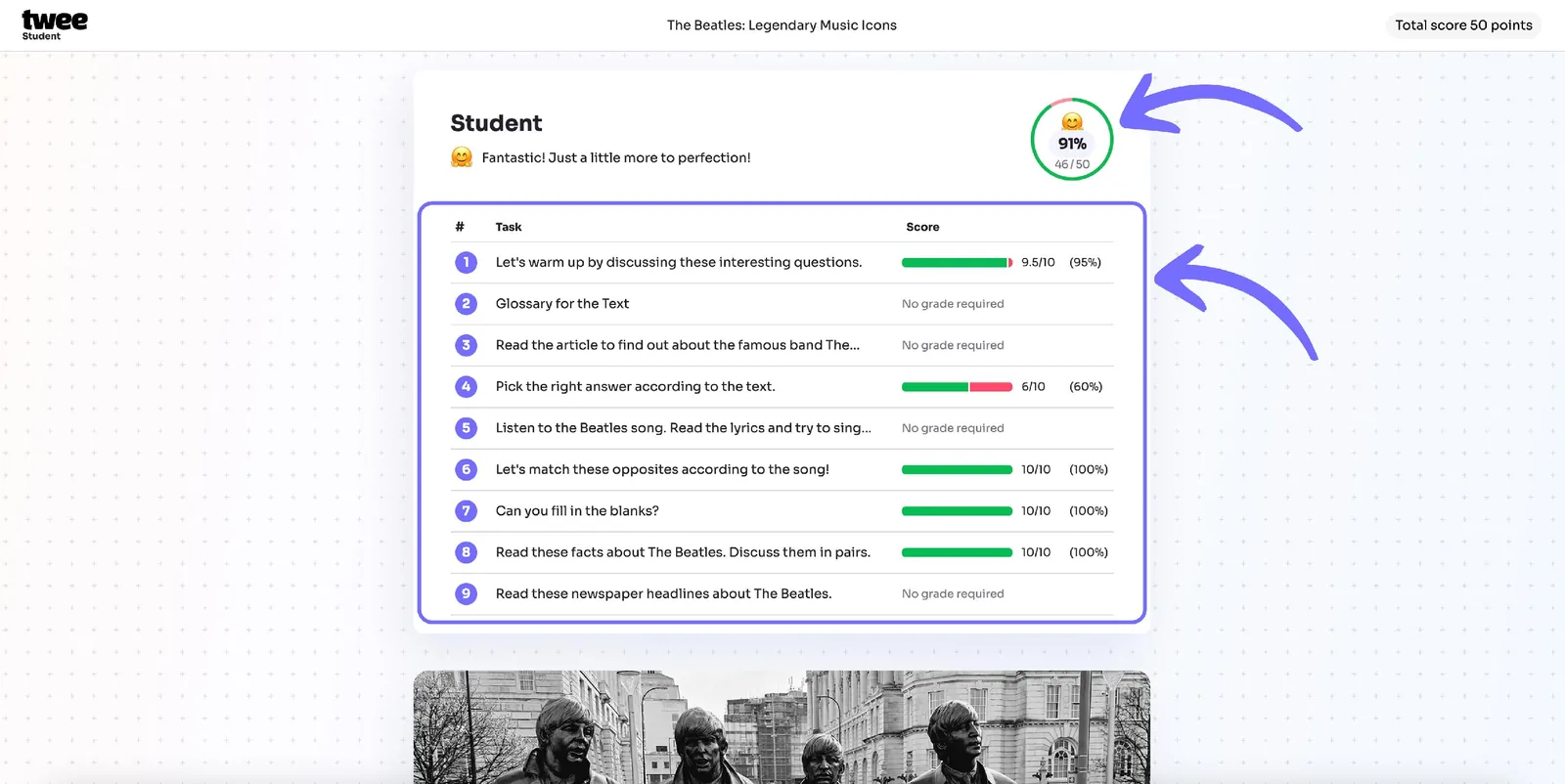
You will see the total score in the circle at the top-right corner of the assignment. A bit lower, you’ll find the points for each individual task.
Step 3: Read the detailed feedback
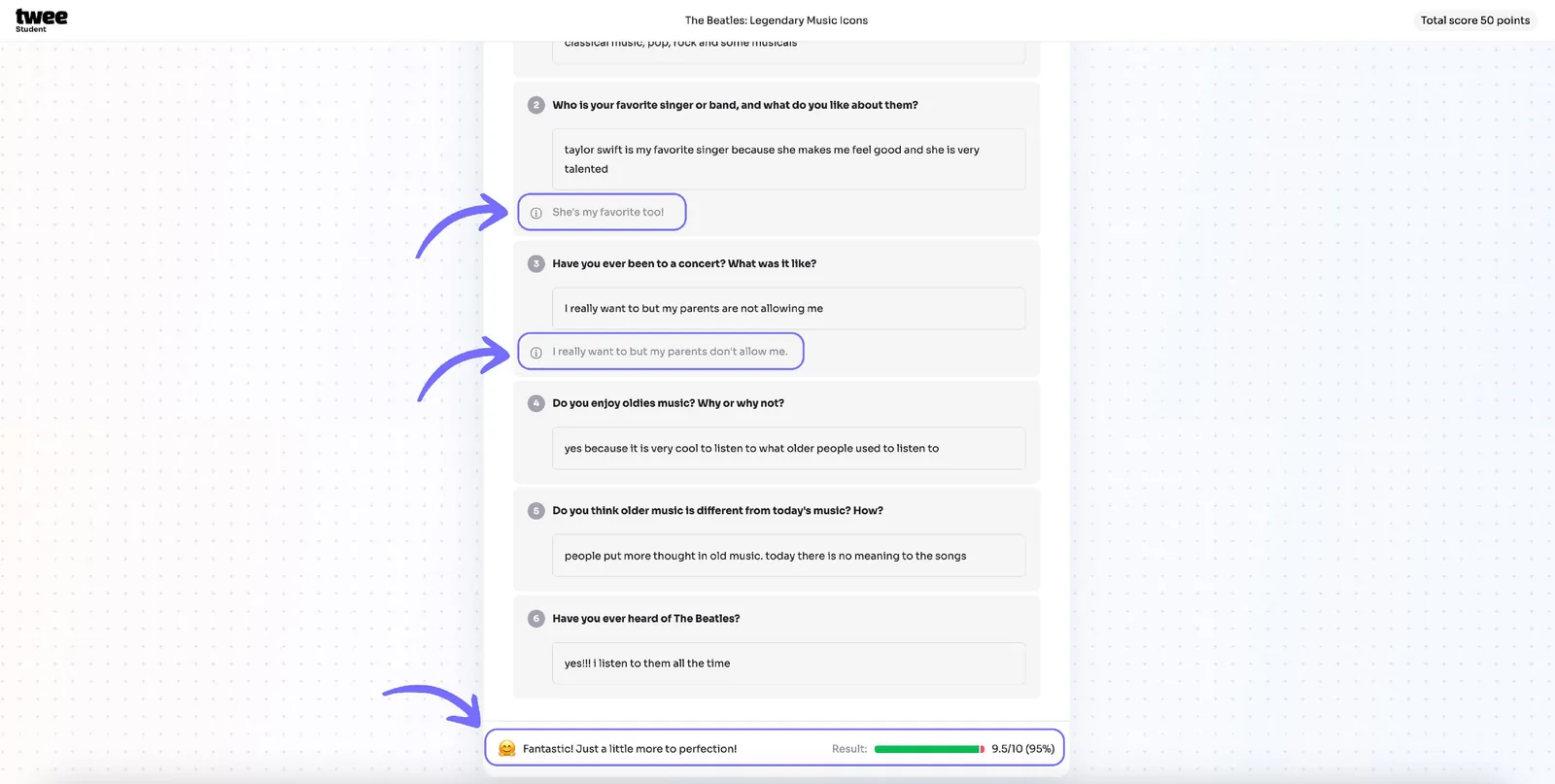
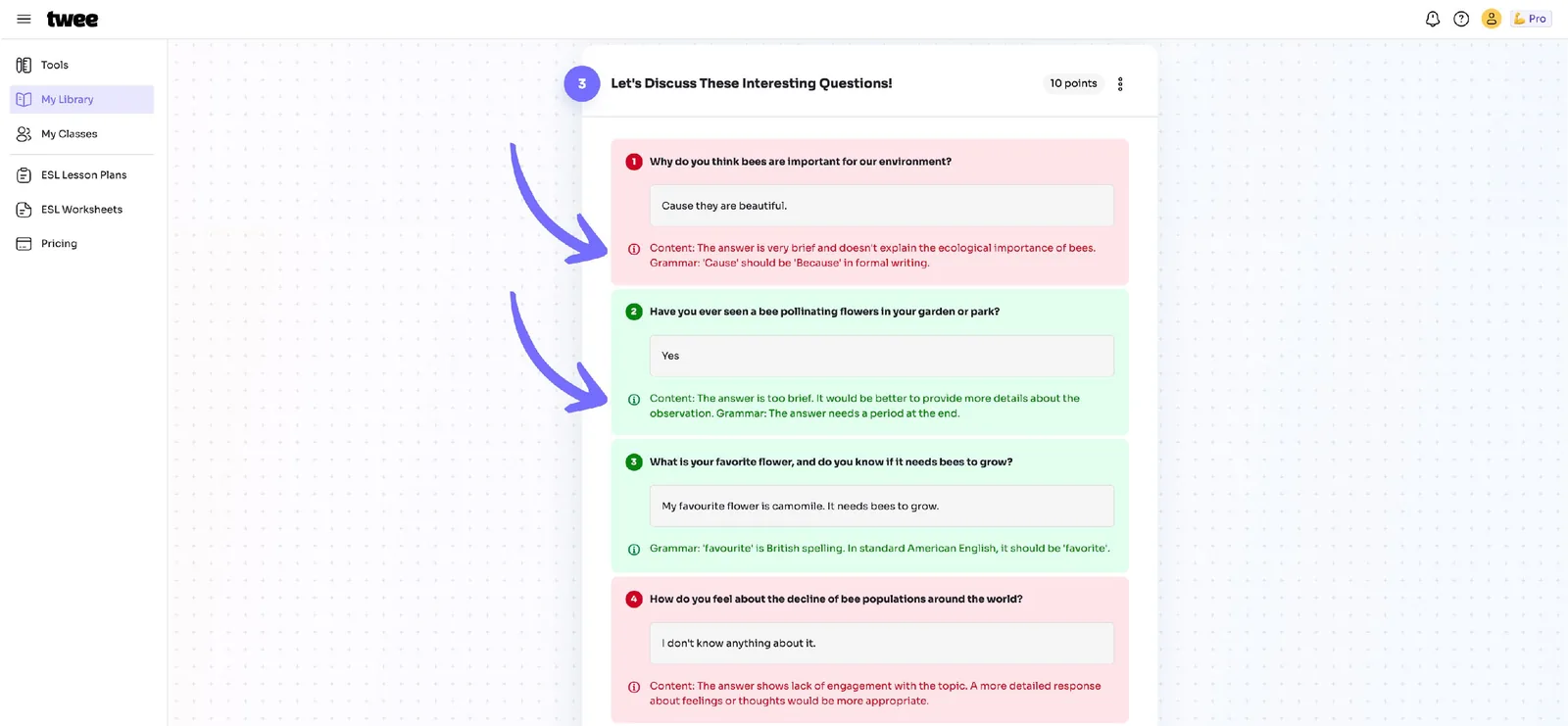
To see detailed feedback, scroll down and look at each exercise.