Step 1: Pick a lesson in My Library
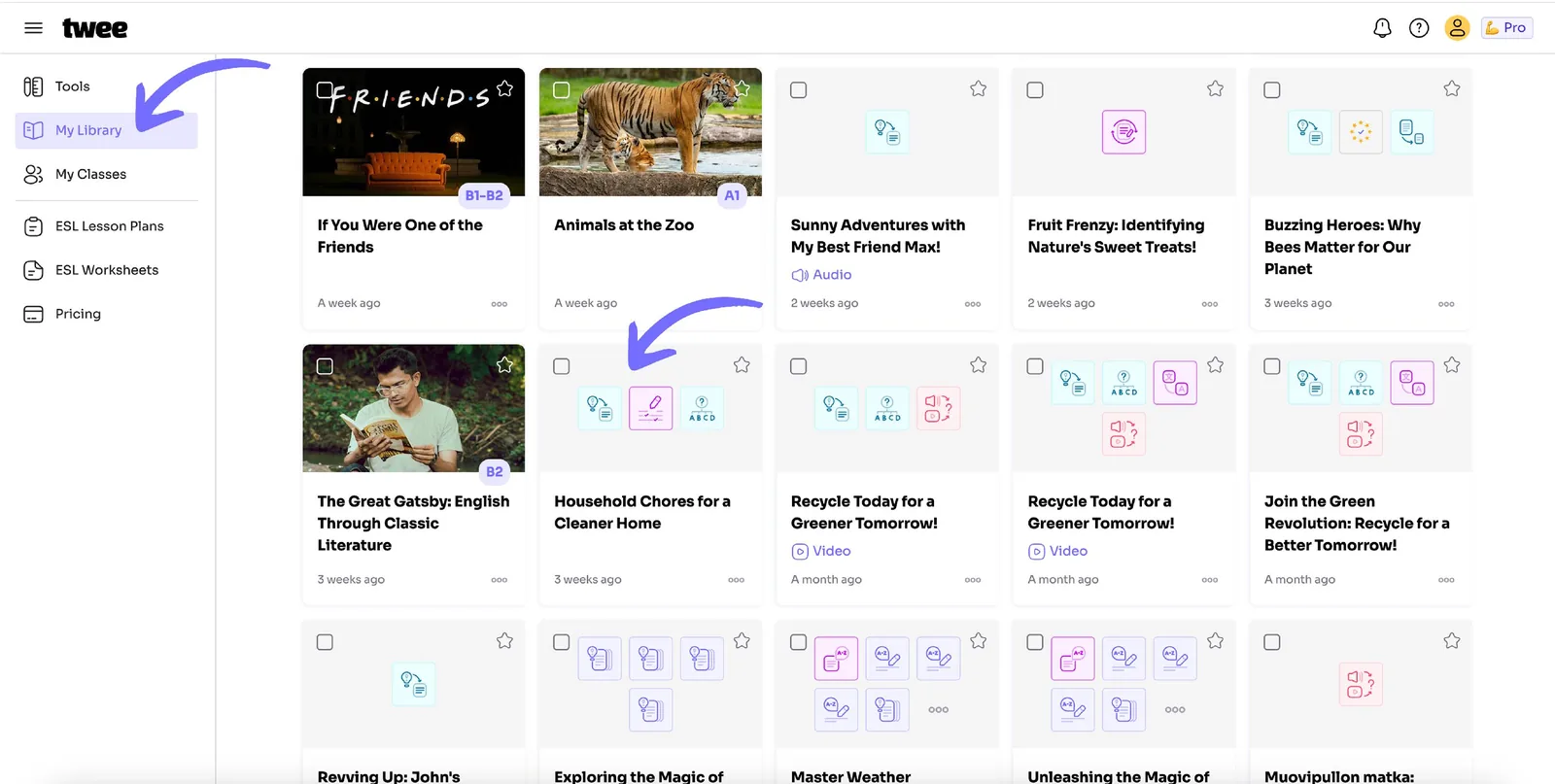
Go to the My Library section, browse through the available lessons and select the one you’d like to assign.
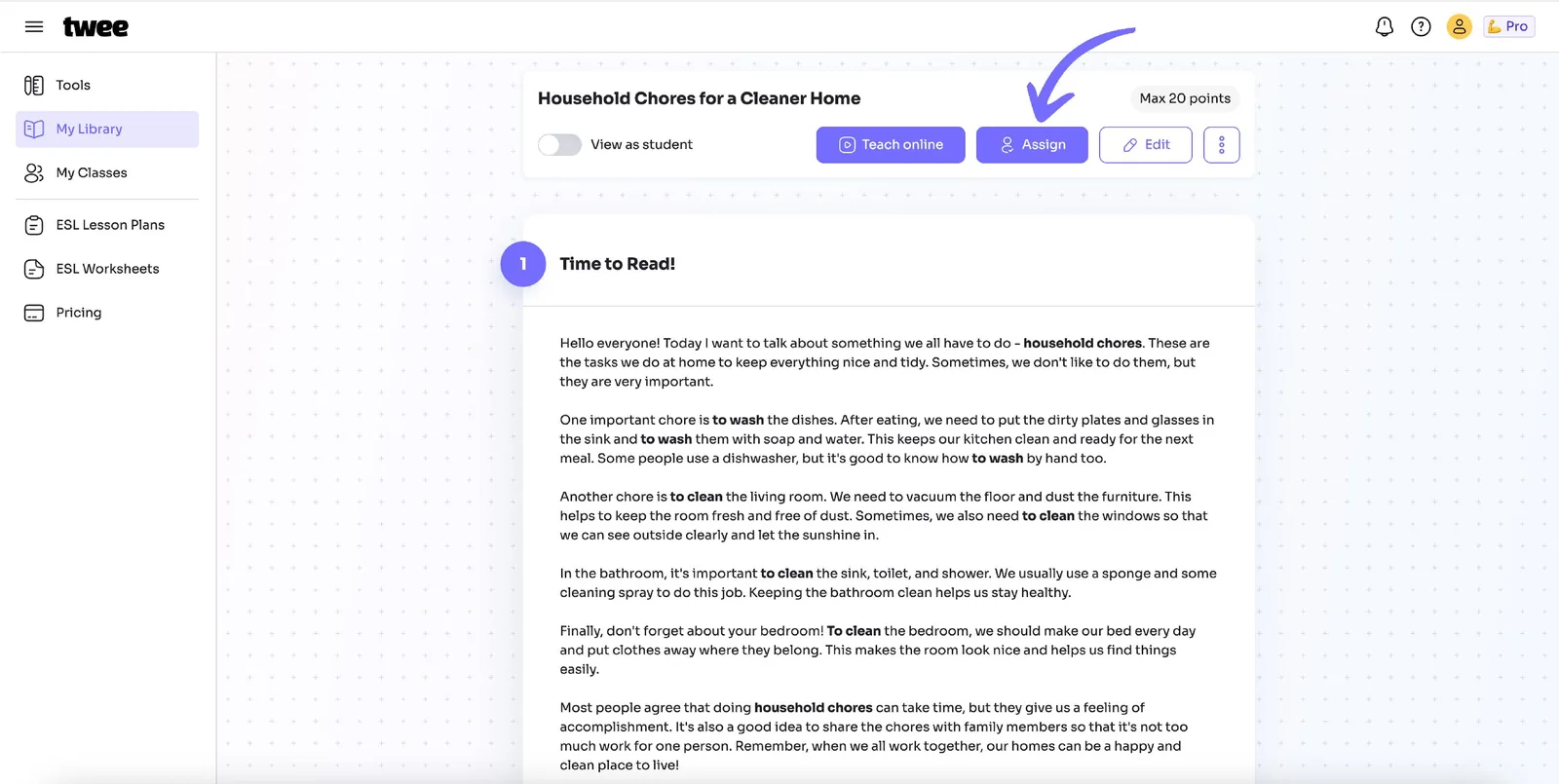
Step 2: Click Assign in Interactive
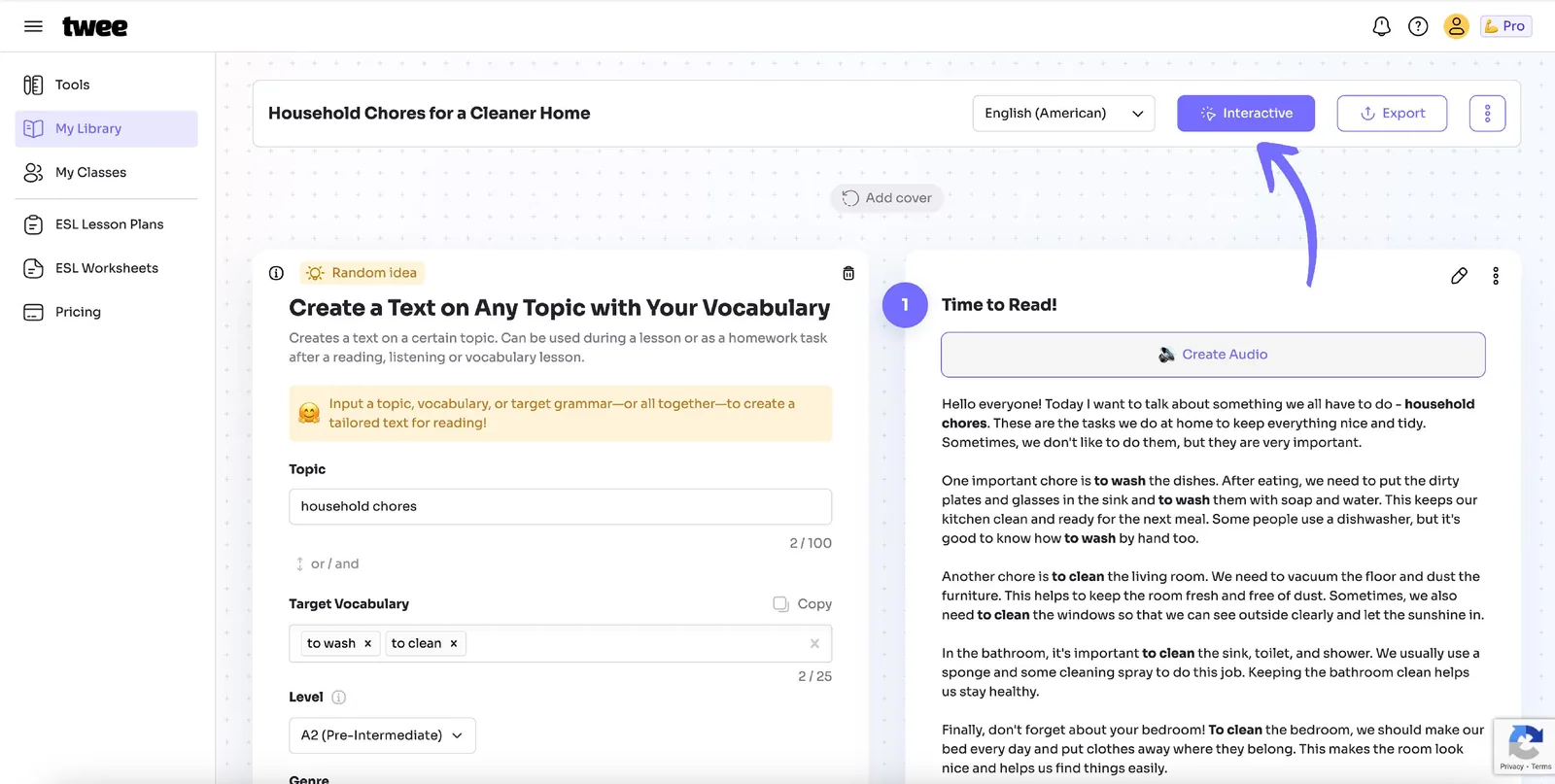
If you're still in editing mode, click the Interactive tab first.
Once in interactive mode, you will see the Assign button right away.
Step 3: Set Students View Results
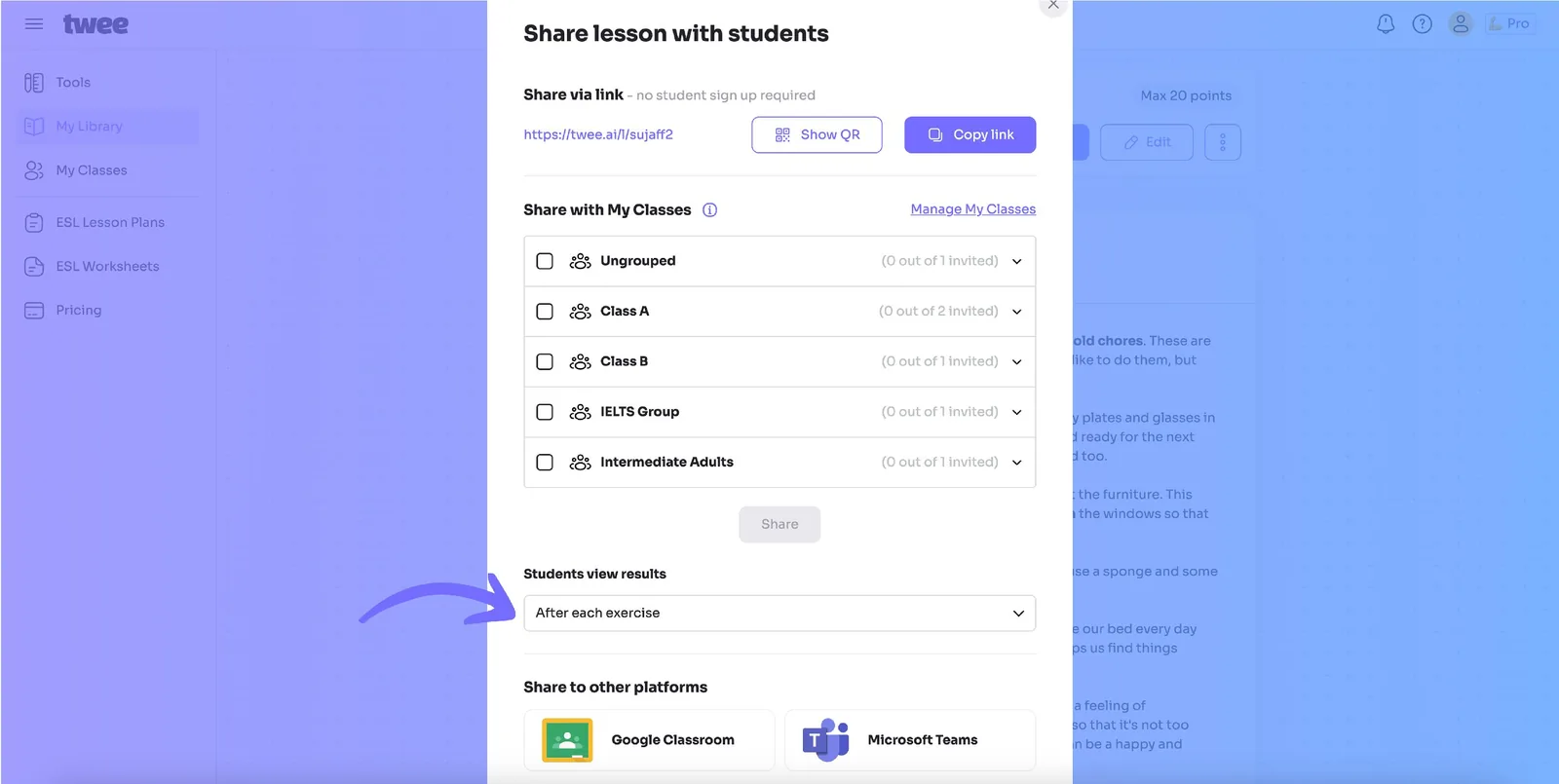
Scroll down a bit, and beneath the assignment options, you will see the section titled Students View Results.
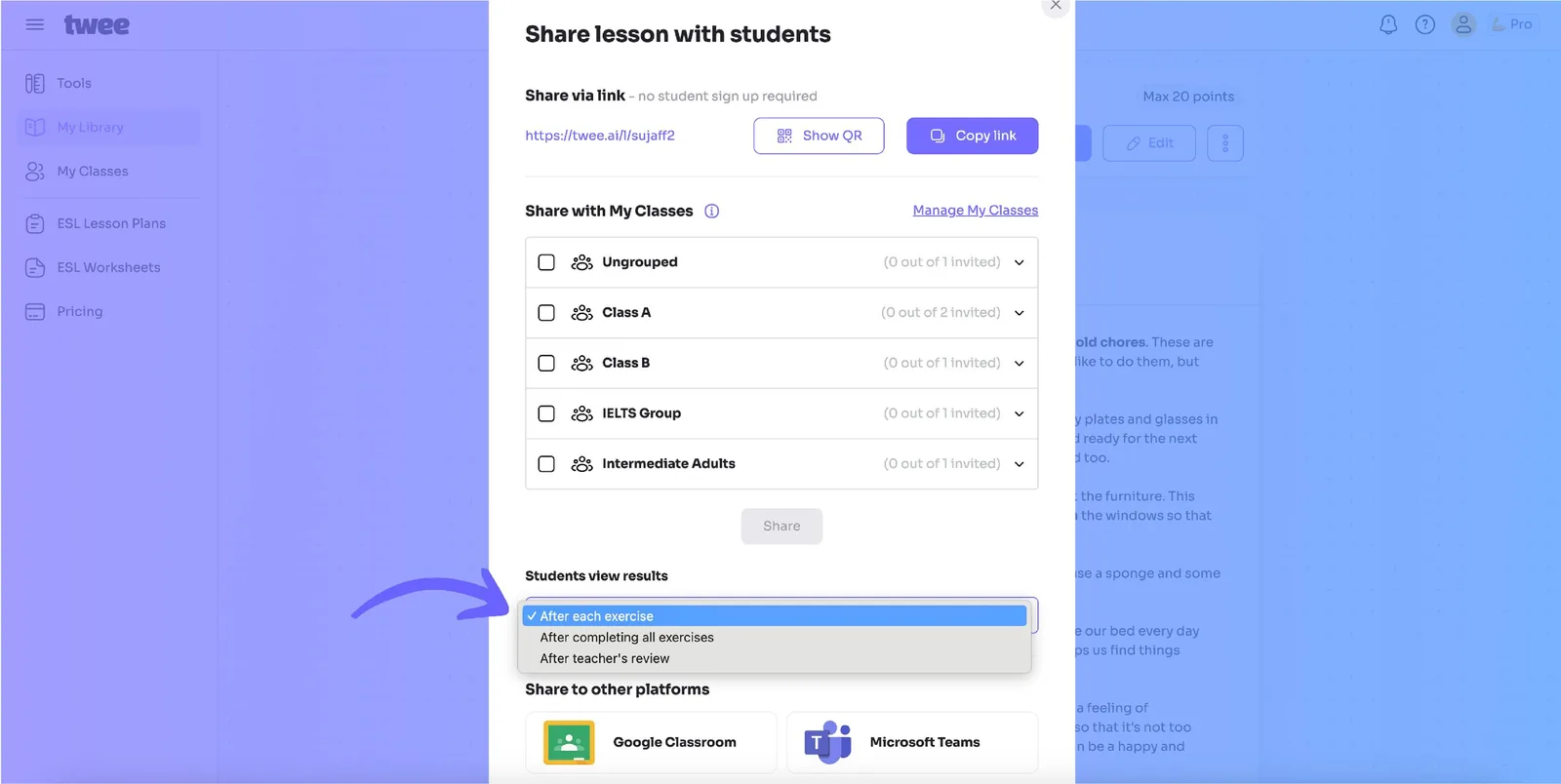
Open the dropdown menu below and choose from the following options:
- After each exercise: Your students will see the correct answers immediately after they submit each task.
- After completing all exercises: Students will see the correct answers after submitting the entire assignment (lesson/text/worksheet).
- After teacher's view: Students will see the correct answers after you review their work.