
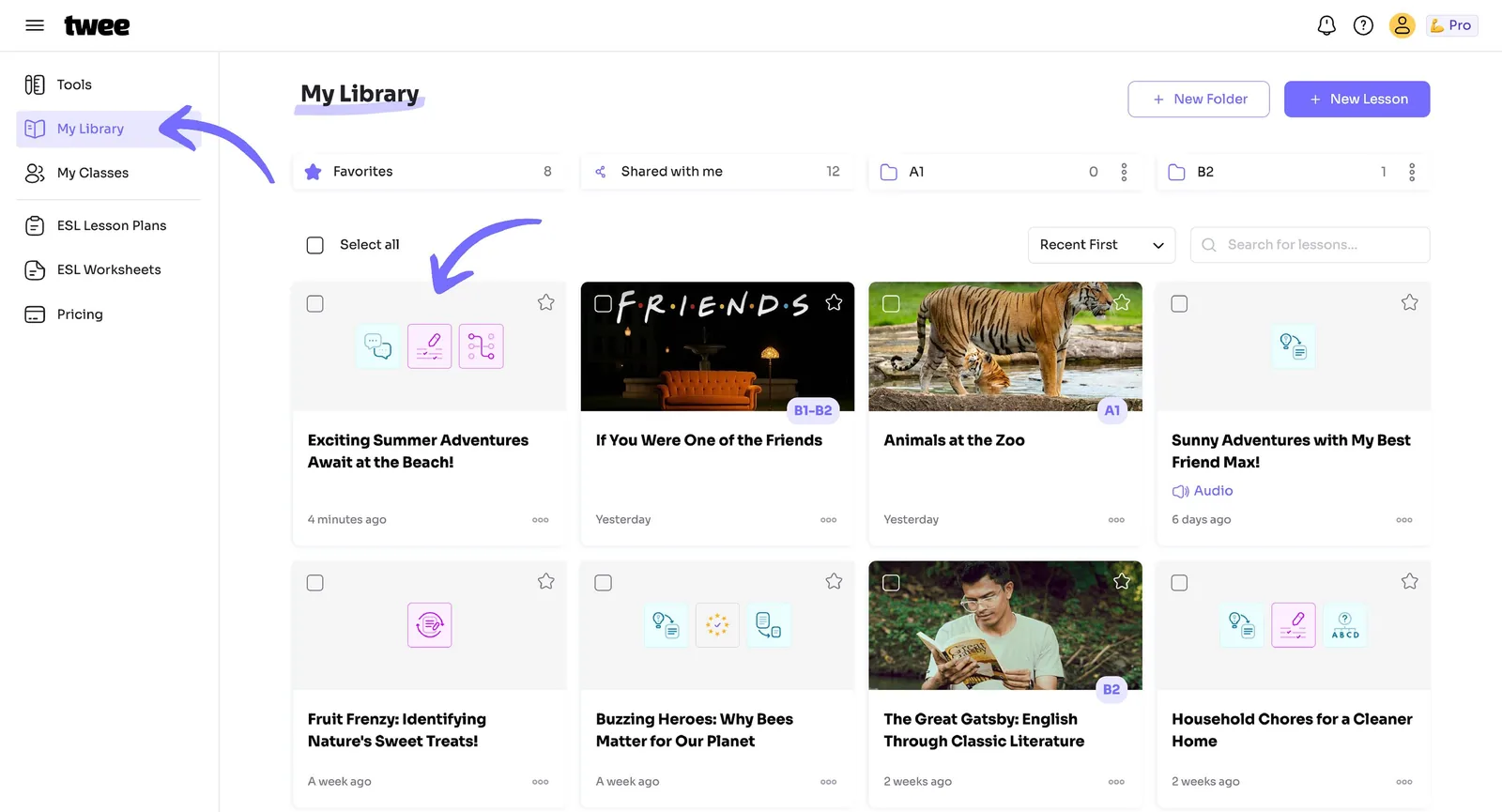
Step 1: Open the lesson in My Library
Go to My Library and choose the lesson you want to assign.
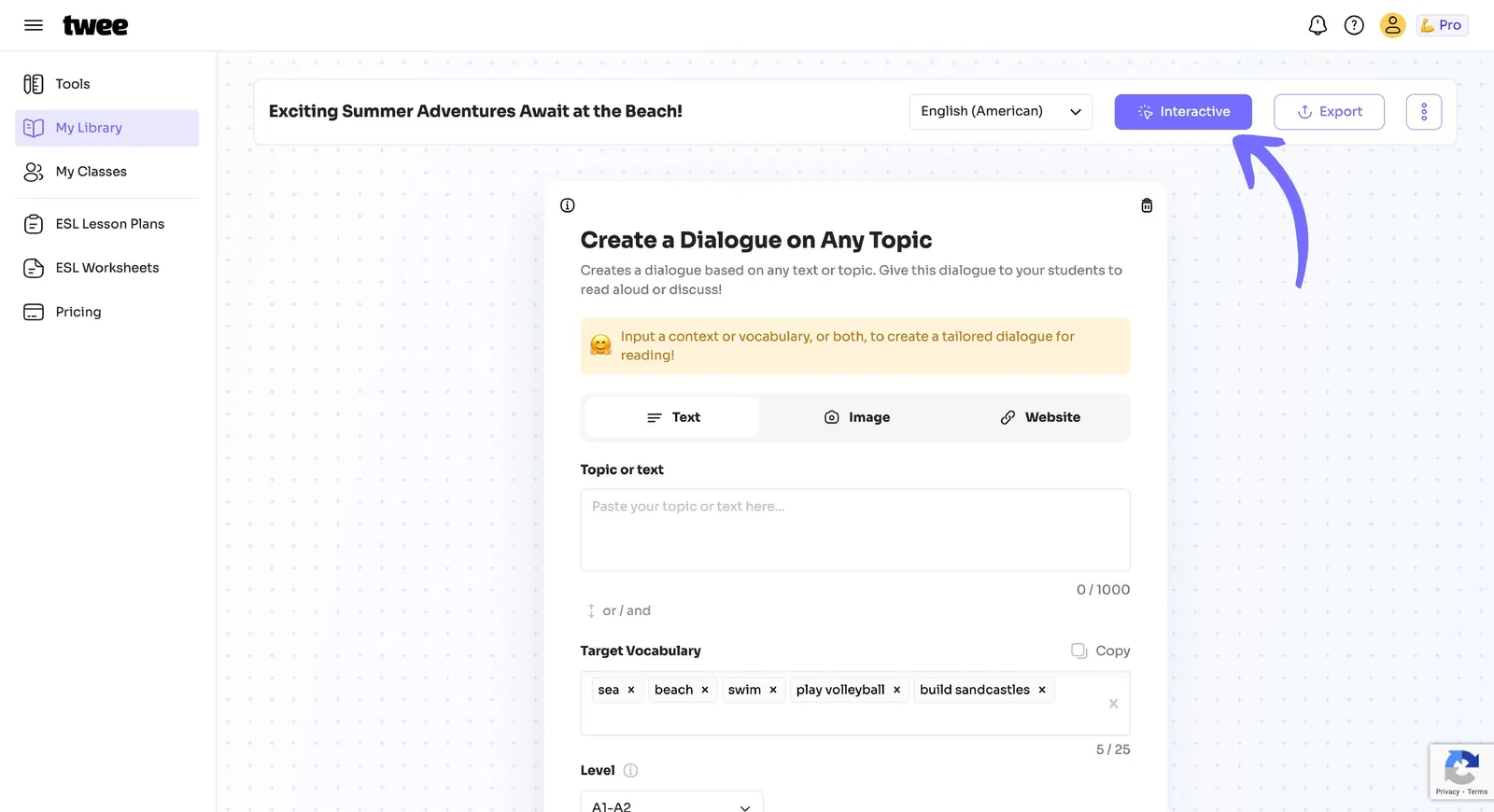
Step 2: Switch to Interactive mode
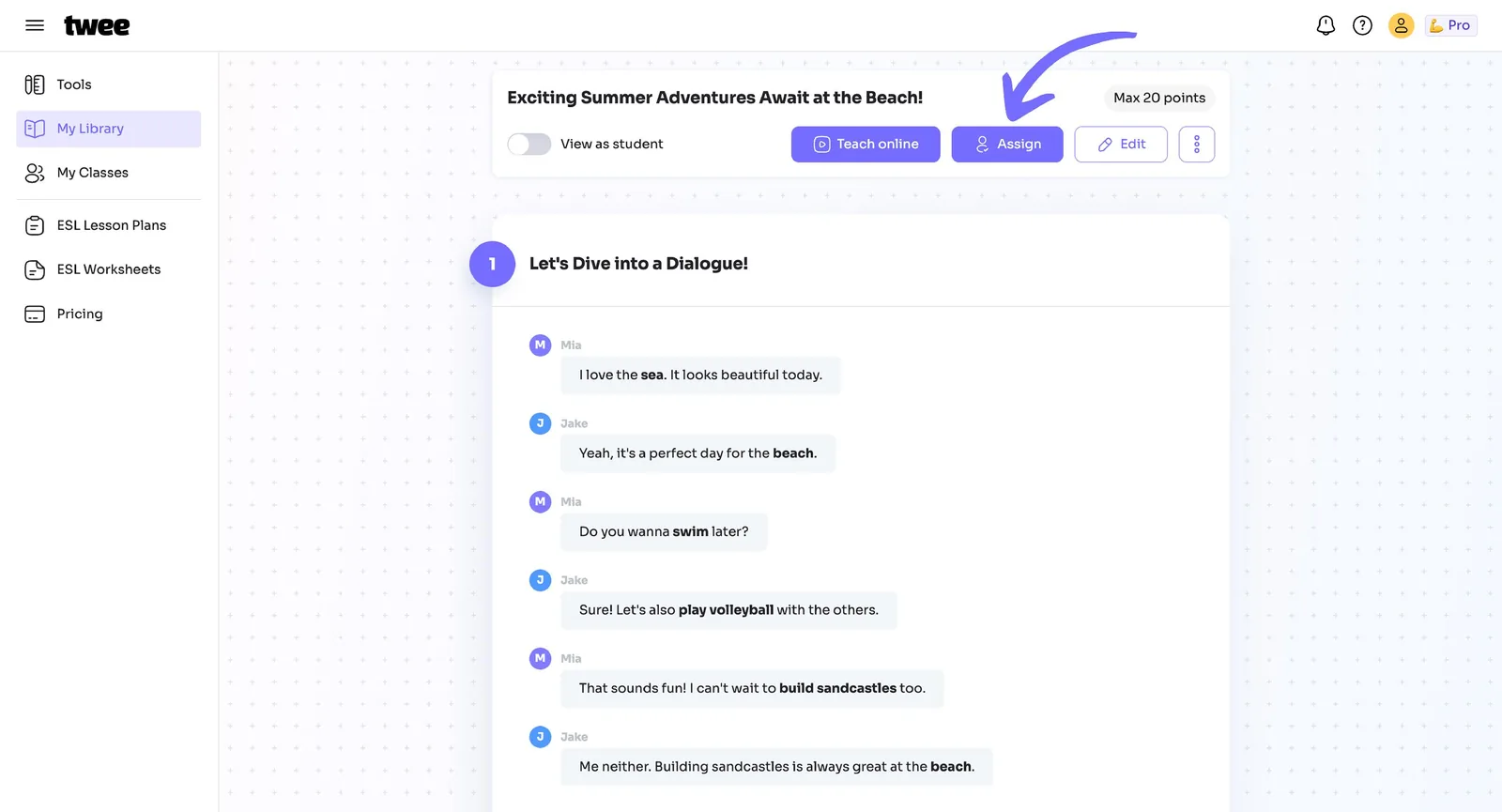
If you're still in editing mode, click Interactive first — then you'll see the Assign button. If you're already in Interactive mode, the Assign button will be visible right away.
Step 3: Choose how to share it
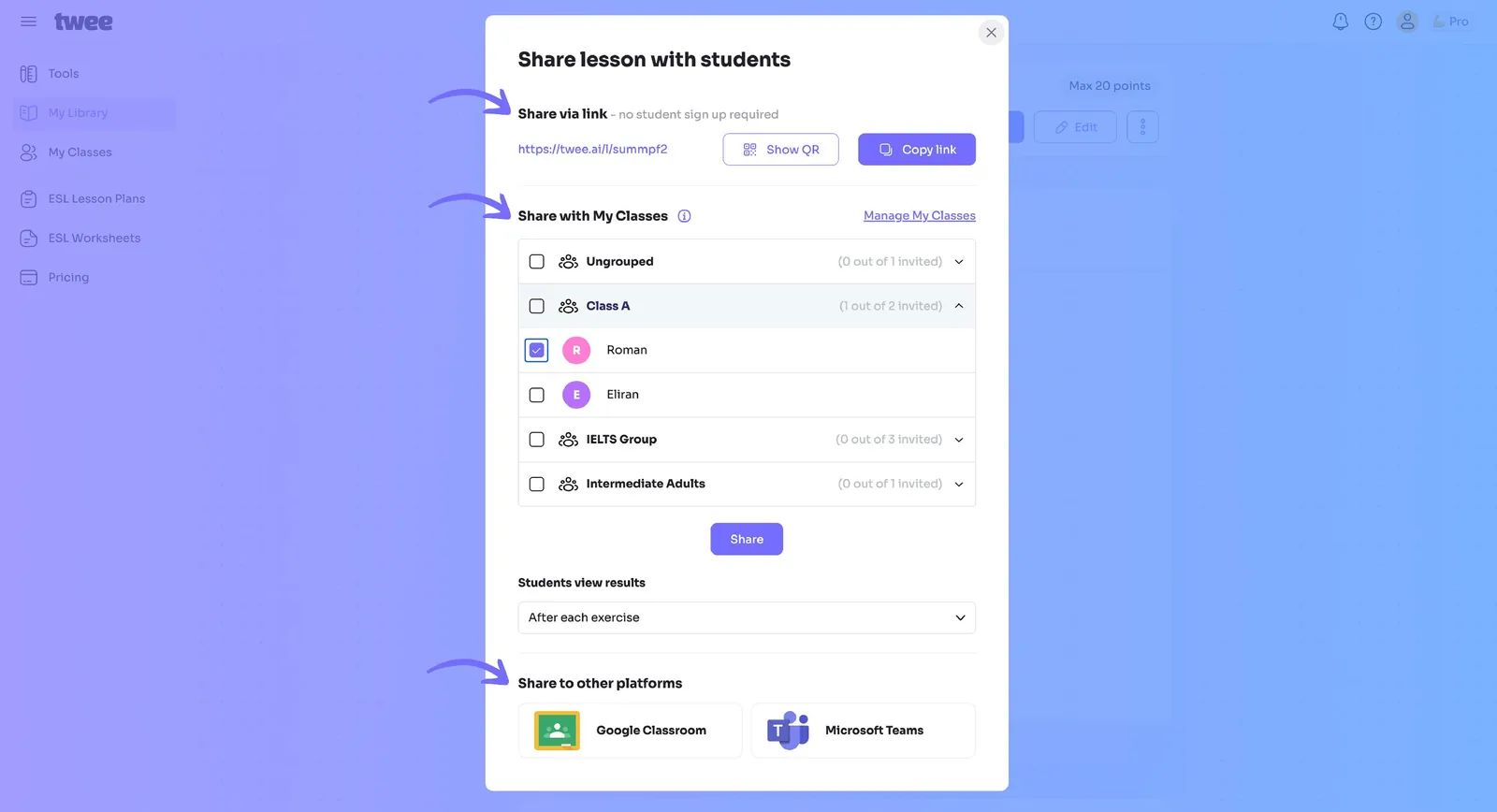
Choose how you want to assign the lesson:
- Copy a link or QR code to send to your students (no account needed).
- Select students from your classes who already have Twee accounts and click Share.
- Share via other platforms like Google Classroom or Microsoft Teams.
That’s it — you’re all set!