To keep your library organized, you can delete any extra or unfinished lessons you no longer need.
Step 1: Choose Delete from the menu
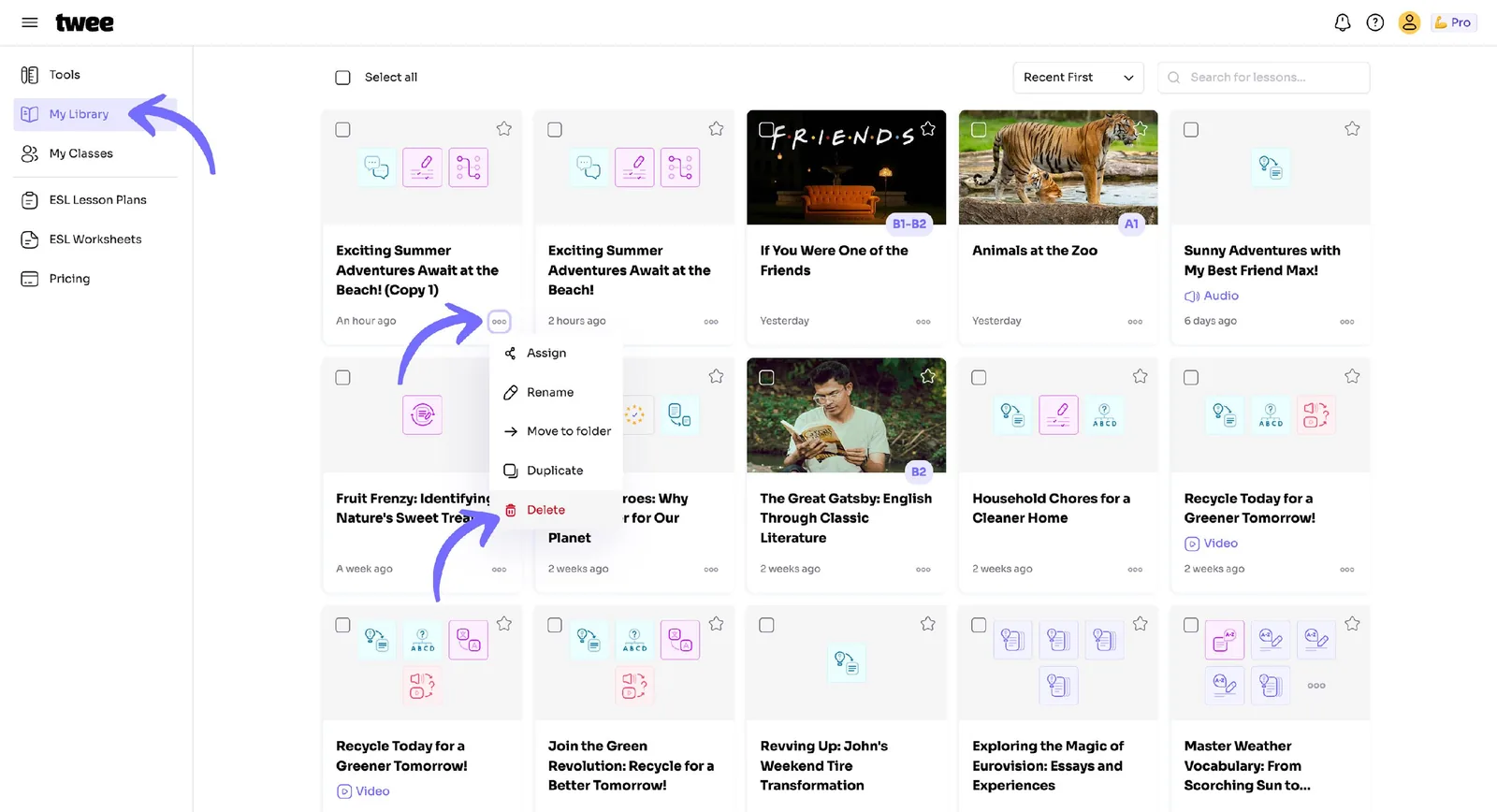
Go to your Library in the left sidebar and click the three dots in the corner of the lesson you want to delete. A menu will appear — click Delete to remove the lesson.
Step 2: Confirm the deletion
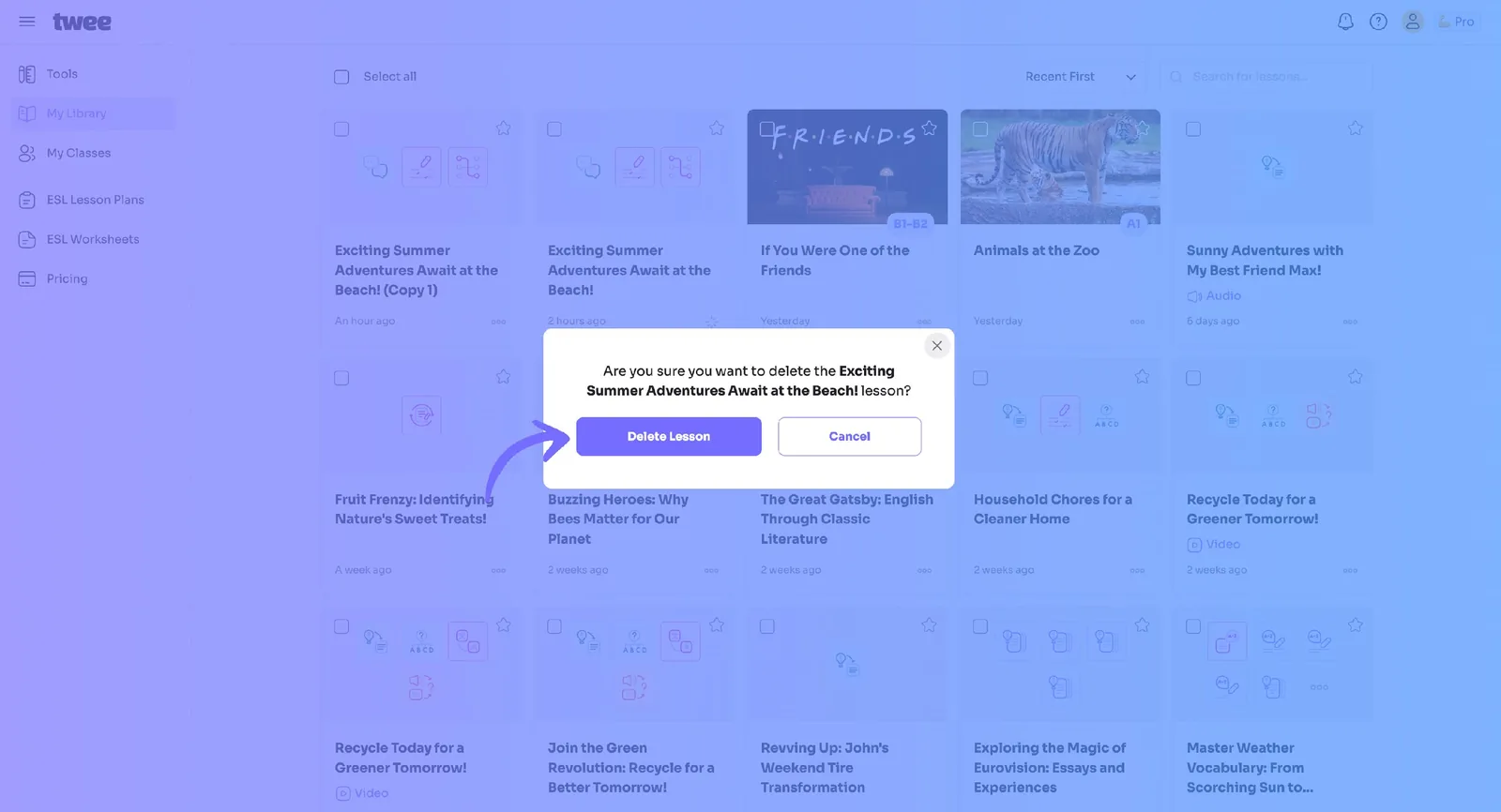
Confirm by clicking Delete Lesson in the pop-up window.