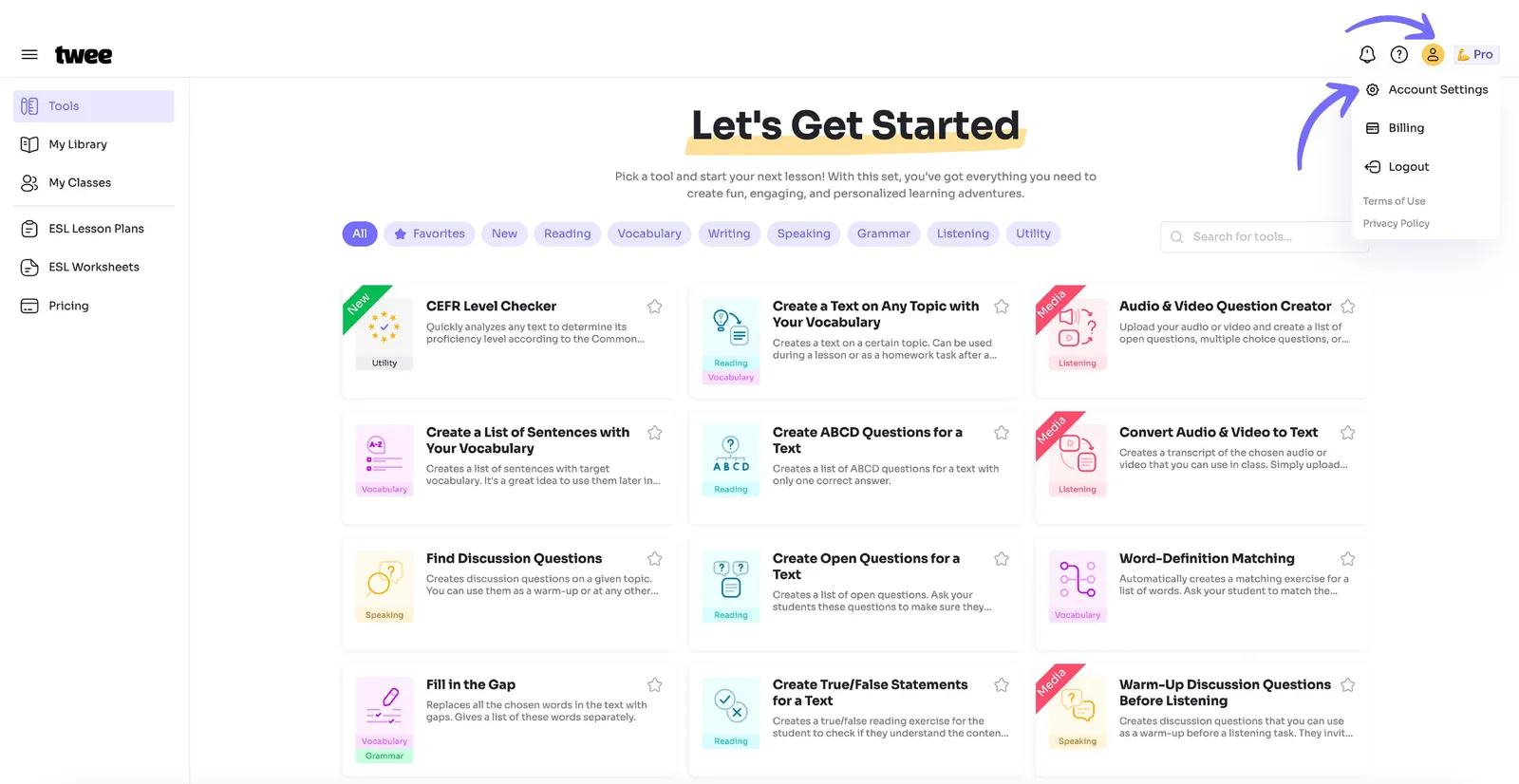
Step 1: Open Account Settings
Go to Account Settings by clicking on the person icon in the top right corner of the screen, and then select Account Settings from the menu.
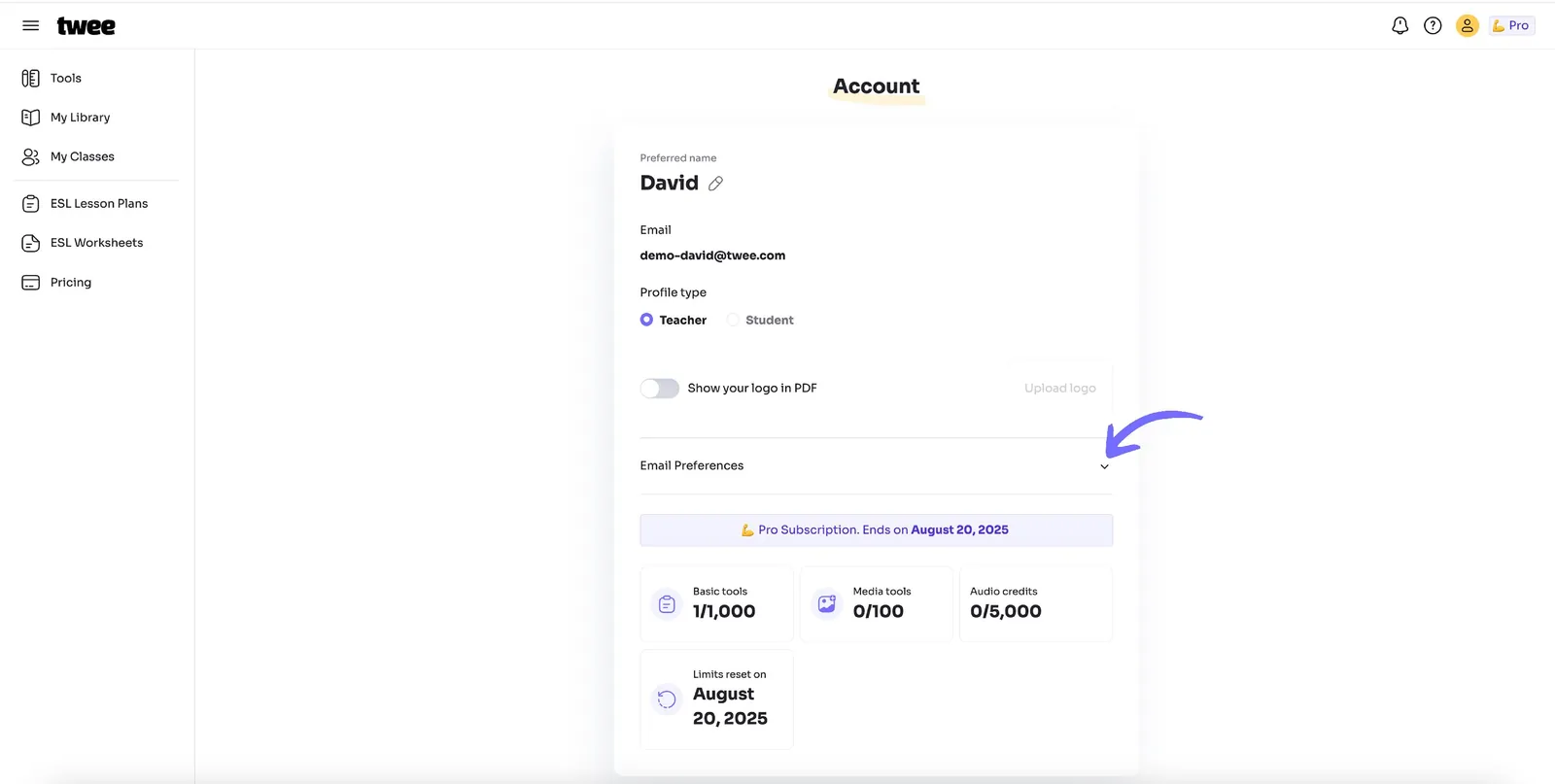
Step 2: Expand Email Preferences
Look for Email Preferences and click the down arrow next to it.
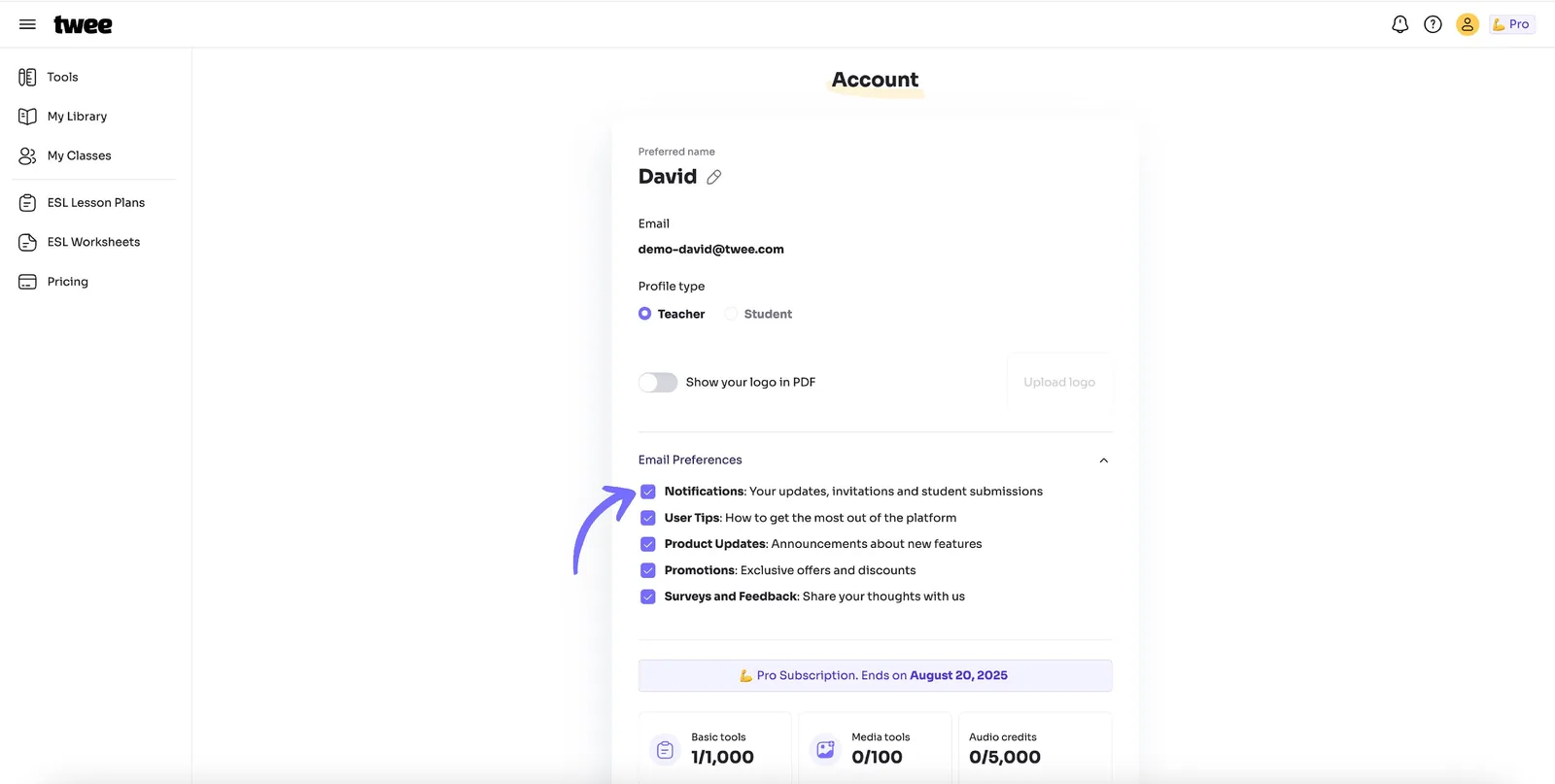
Step 3: Untick unwanted emails
Untick the boxes next to the emails you don’t want to receive. You can unsubscribe from all of them if you wish.