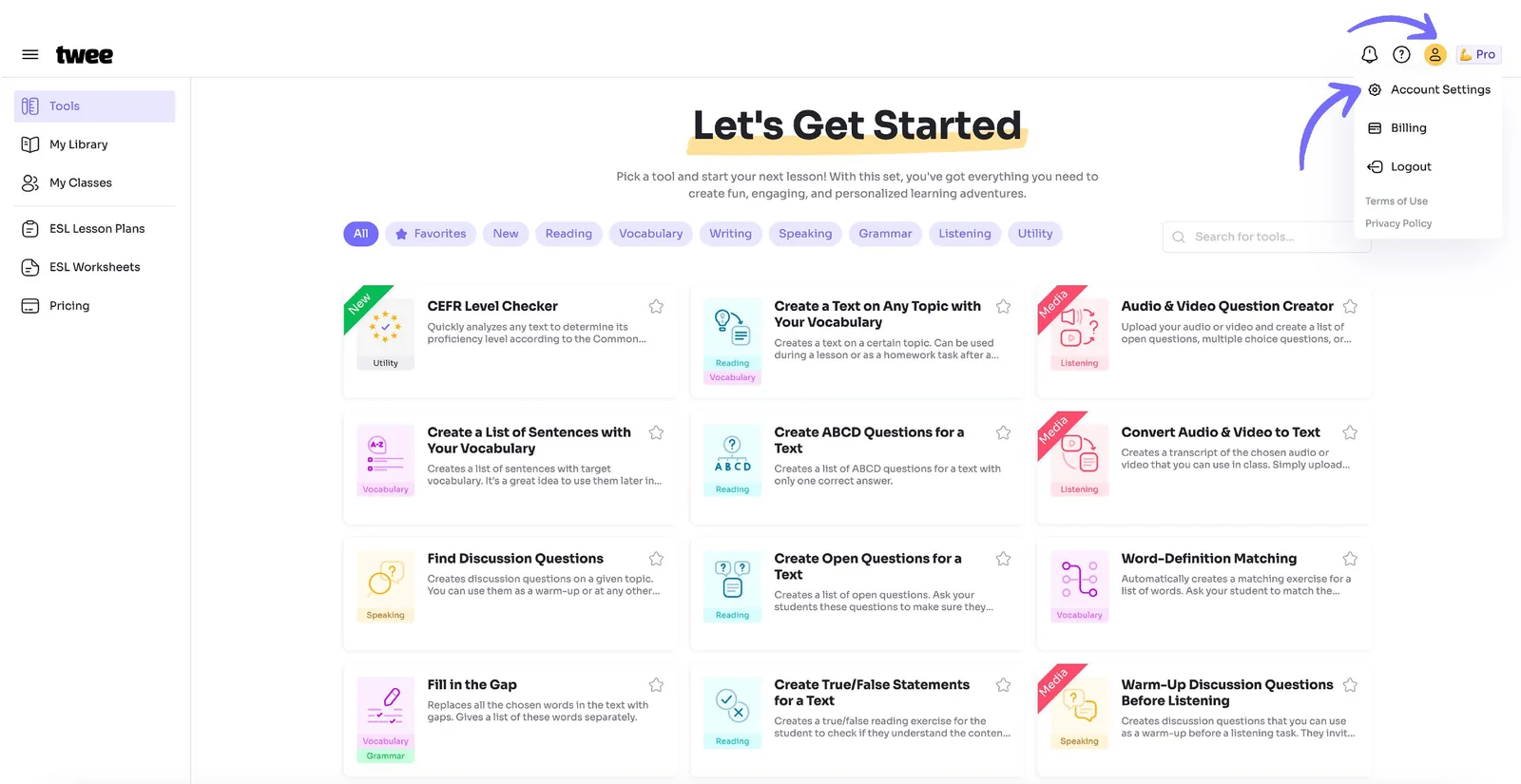
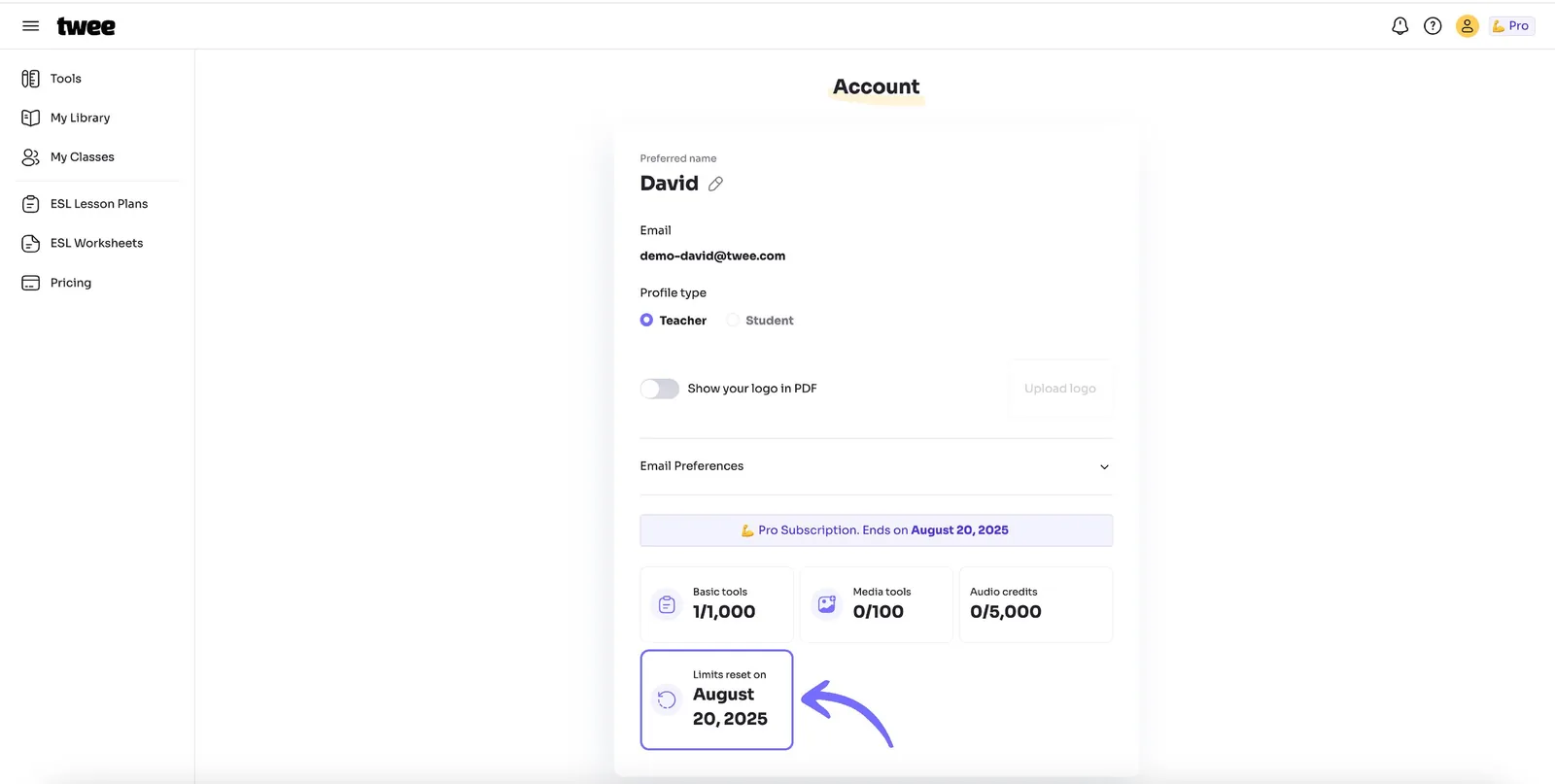
How to See When Your Runs and Credits Reset Updated July 22, 2025 Print 1Step 1: Open Account Settings Click on the person icon in the top right corner of the screen, and then select Account Settings from the menu. 2Step 2: Check the reset date Towards the bottom, you can see when your number of runs and credits resets. Did this answer your question? Not really Partly Yes Thanks, that helps us improve this guide. Up next How to Change Your Email or Merge Two Accounts