How to Replace One Teacher with Another
Step 1
Go to the School Management section by clicking on the person icon at the top of the screen and selecting School Management from the menu.

Step 2
Find the teacher you want to replace, click on the three dots next to their status, and select Delete.

Step 3
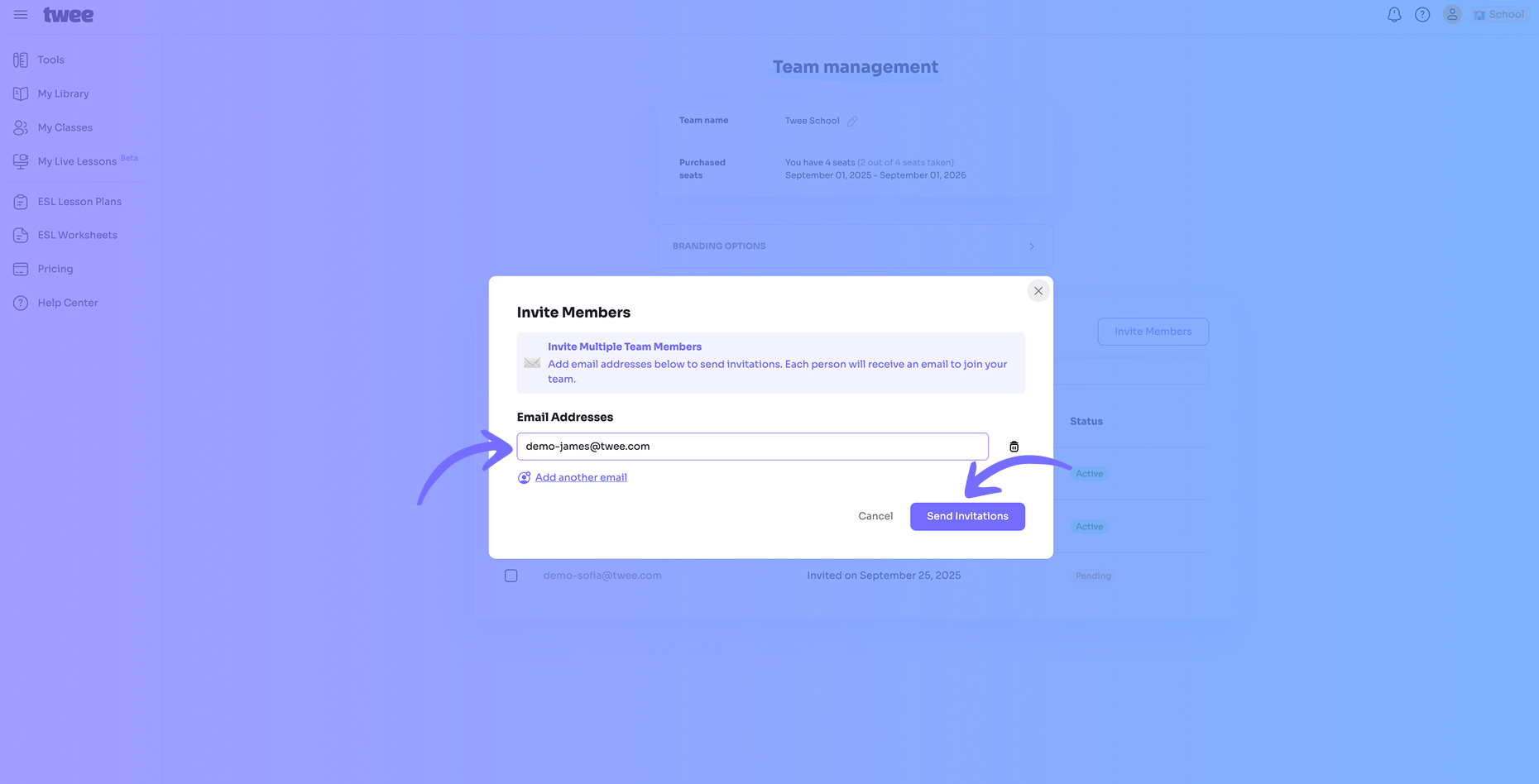
Click Invite Member to invite the new teacher. Enter their email address and click Send Invitations.