
Each Twee plan comes with a monthly quota: a set amount of each resource you can use. If you run out of certain resources before your quota resets, you can add more with a top-up package that you buy once.
Your monthly quota
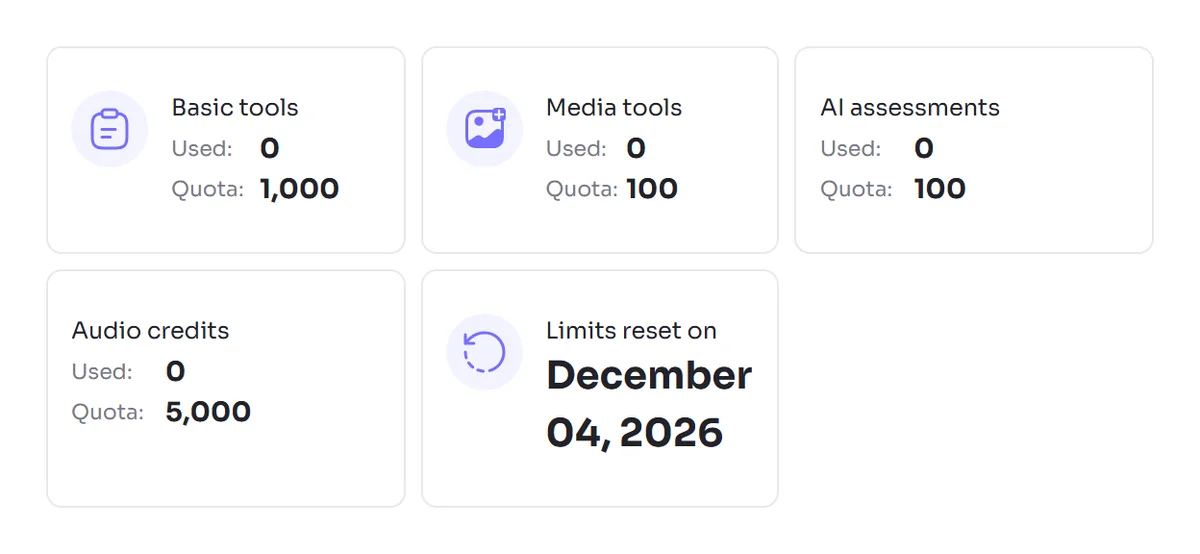
Your plan gives you a separate allowance for each type of resource, such as:
- Basic tool runs: tools that work with text
- Media tool runs: tools that work with video or audio
- Audio credits: turning your texts into audio files
- AI assessments: checking student answers with AI
Audio credits and AI assessments are counted separately from tool runs, so using up your tool runs doesn't affect them.
When your quota resets
Your quota resets every month on the same date as the day you subscribed. For example, if you subscribed on the 12th, it resets on the 12th of every month. Unused amounts don't carry over to the next month.
To see what you have left and your reset date, go to Account Settings and scroll towards the bottom. You can read more in How to See How Many Runs and Credits You Have Left.
Top-up packages
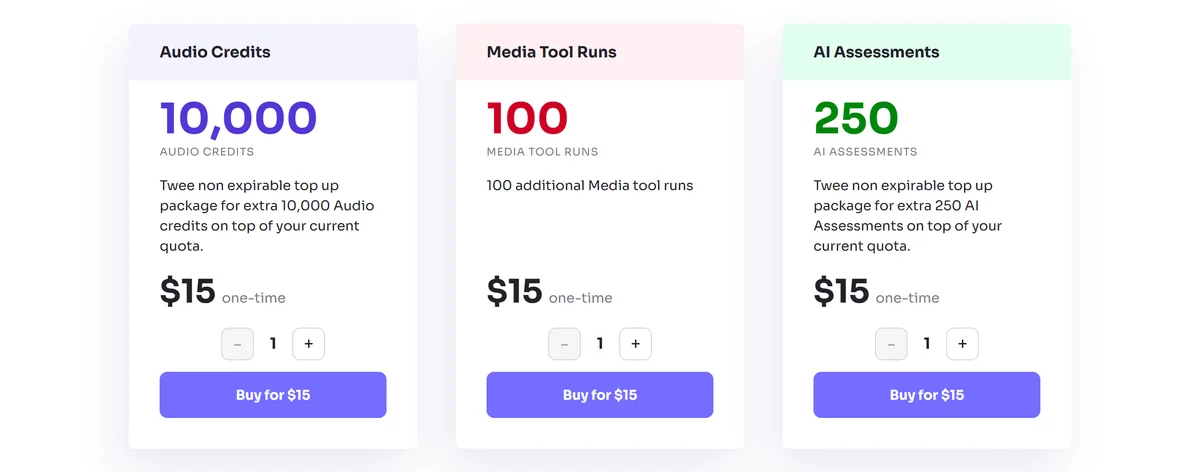
If you need more before your next reset, you can buy a top-up package for:
- Media tool runs: 100 per package
- Audio credits: 10,000 per package
- AI assessments: 250 per package
Other resources, such as Basic tool runs, don't have top-ups.
How top-ups work
- They're a one-time purchase. A top-up is never bought or renewed automatically. You only pay when you choose to buy one.
- They never expire. Whatever you don't use stays on your account, including after your monthly quota resets.
- They're used after your monthly quota. Your plan's allowance is used first, and the top-up covers you once that runs out.
How to buy a top-up
Step 1: Open the Top-up packages page
Go to the Top-up packages page. You can also get there from Account Settings.

Step 2: Choose a package
Choose the package you need and how many you'd like.
Step 3: Complete your payment
Complete your payment, and the extra amount is added to your account.
Your receipt appears on the Billing page, where you can also create an invoice for the purchase.